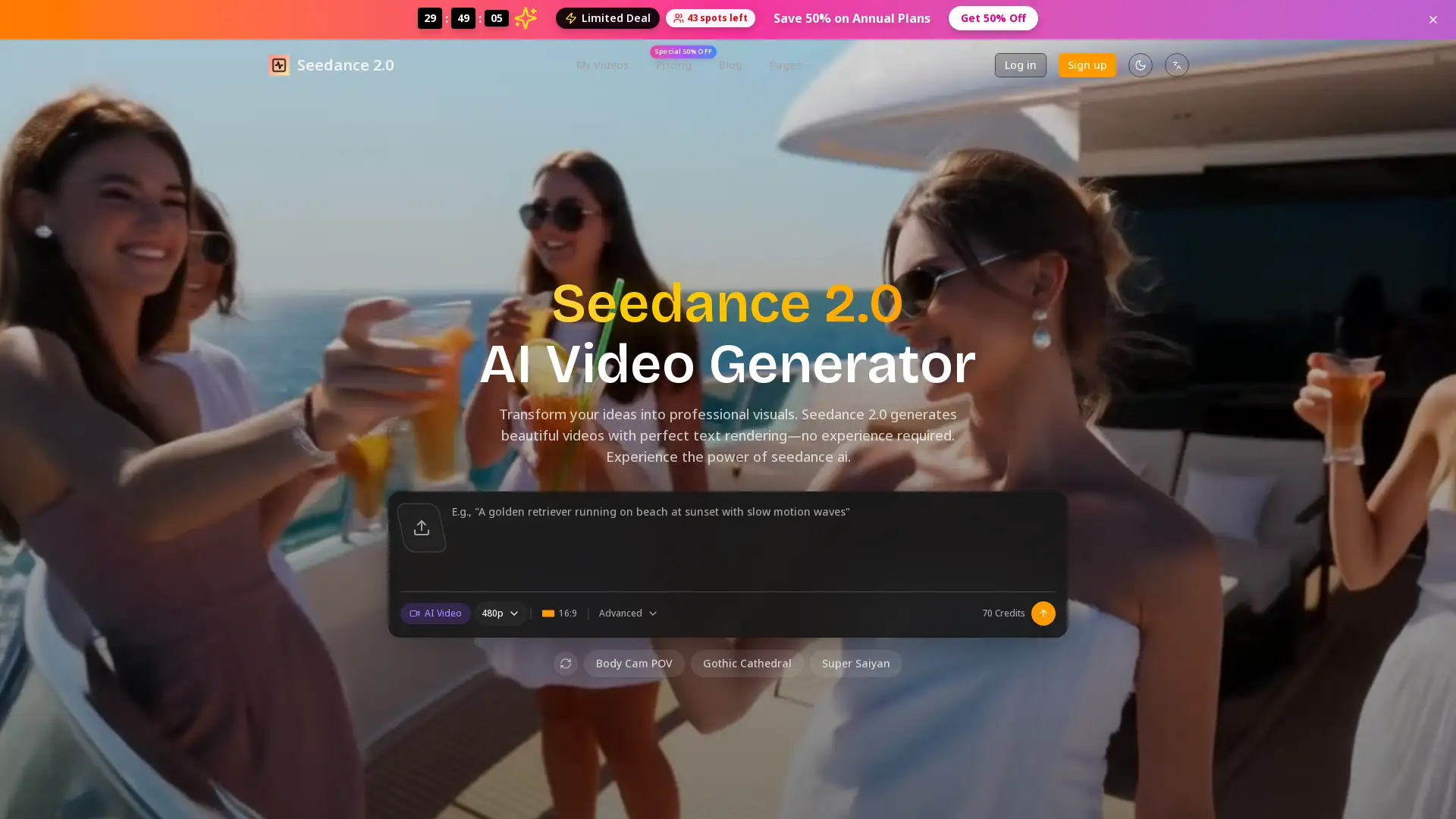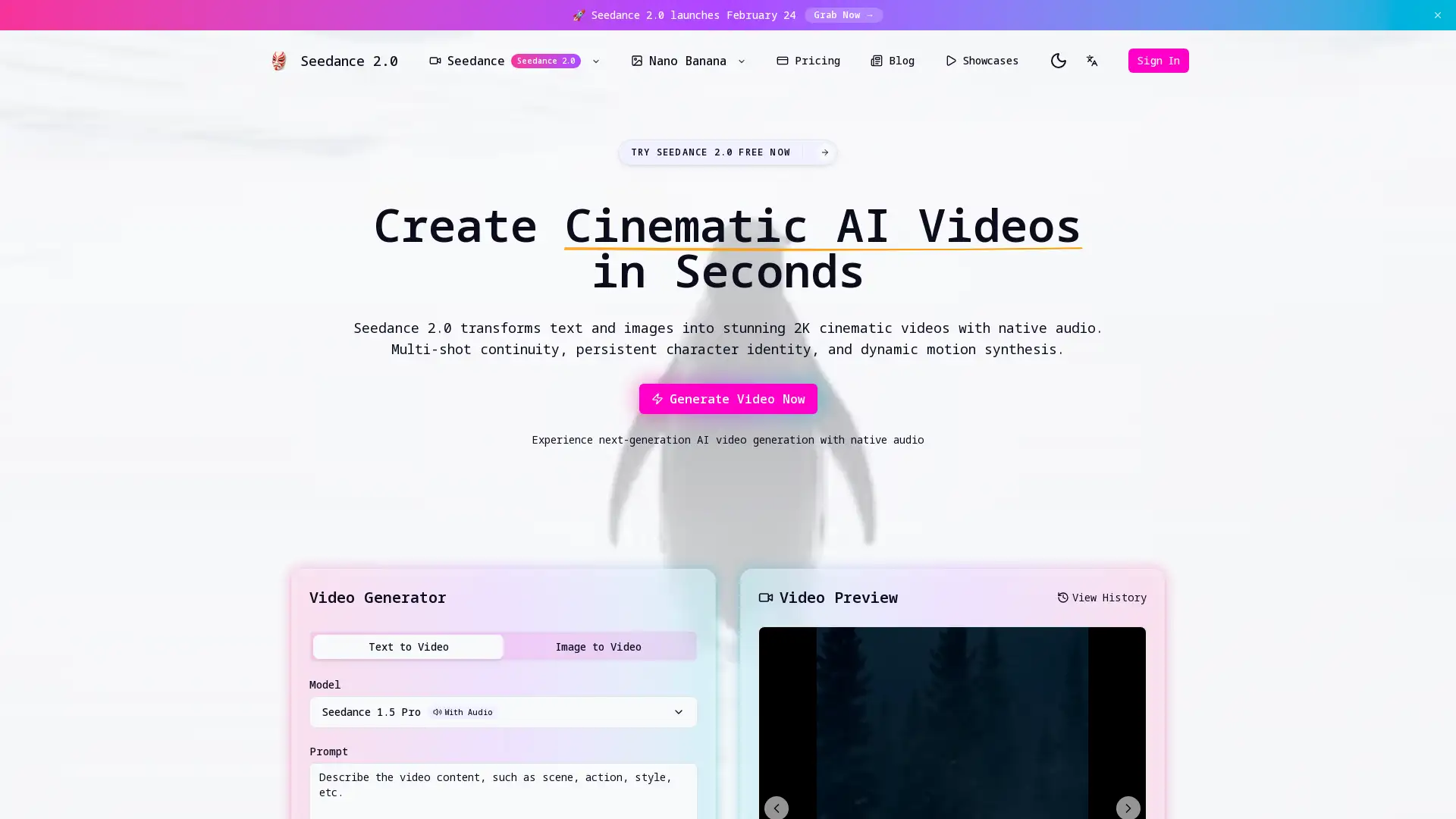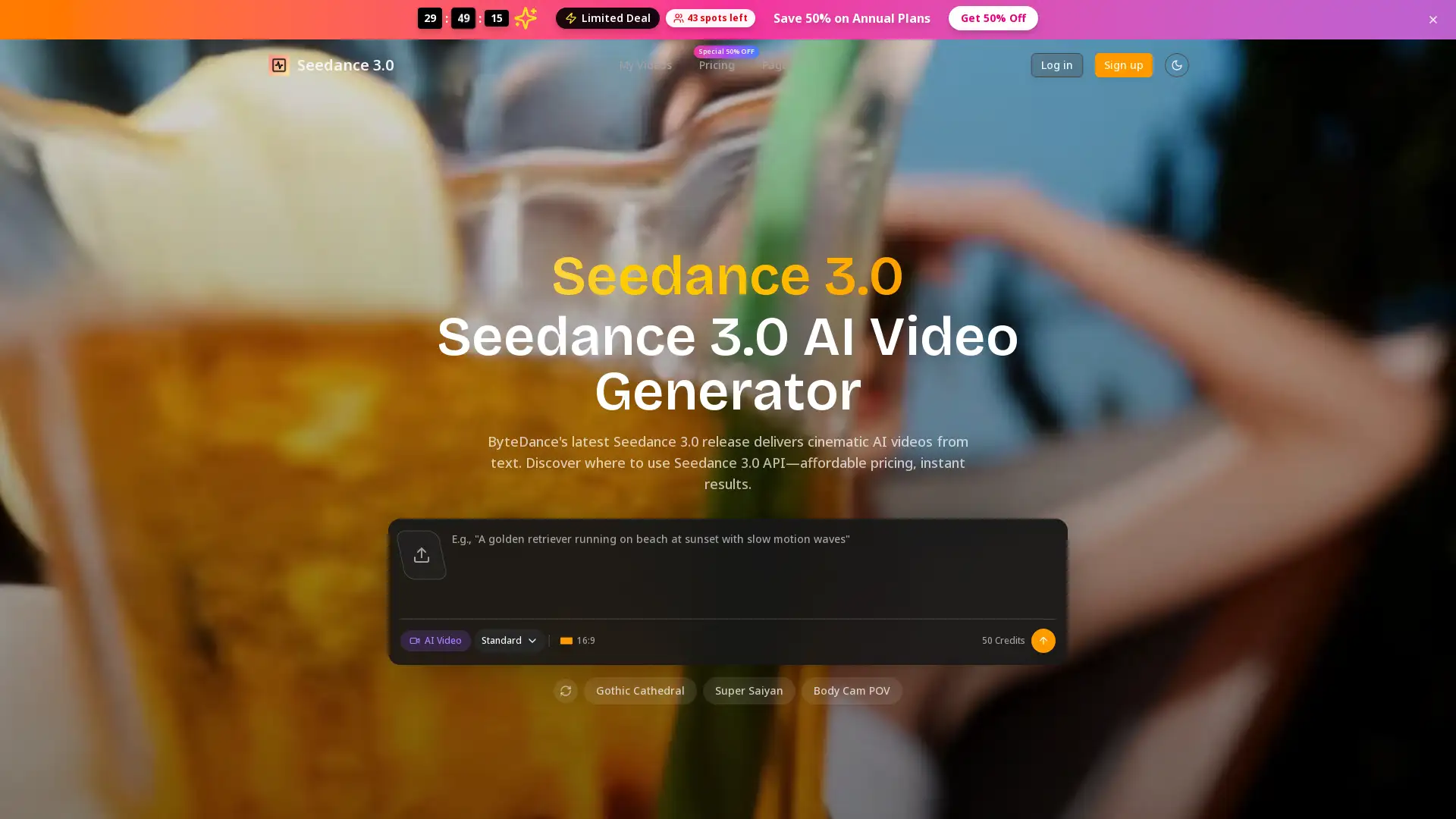
Seedance 2.0 AI
Visit- Introduction:
Create cinematic 2K videos from text, images, or audio.
- Added on:
Feb 11 2026
- Company:
Seedance 2.0 AI
AI Video Generator
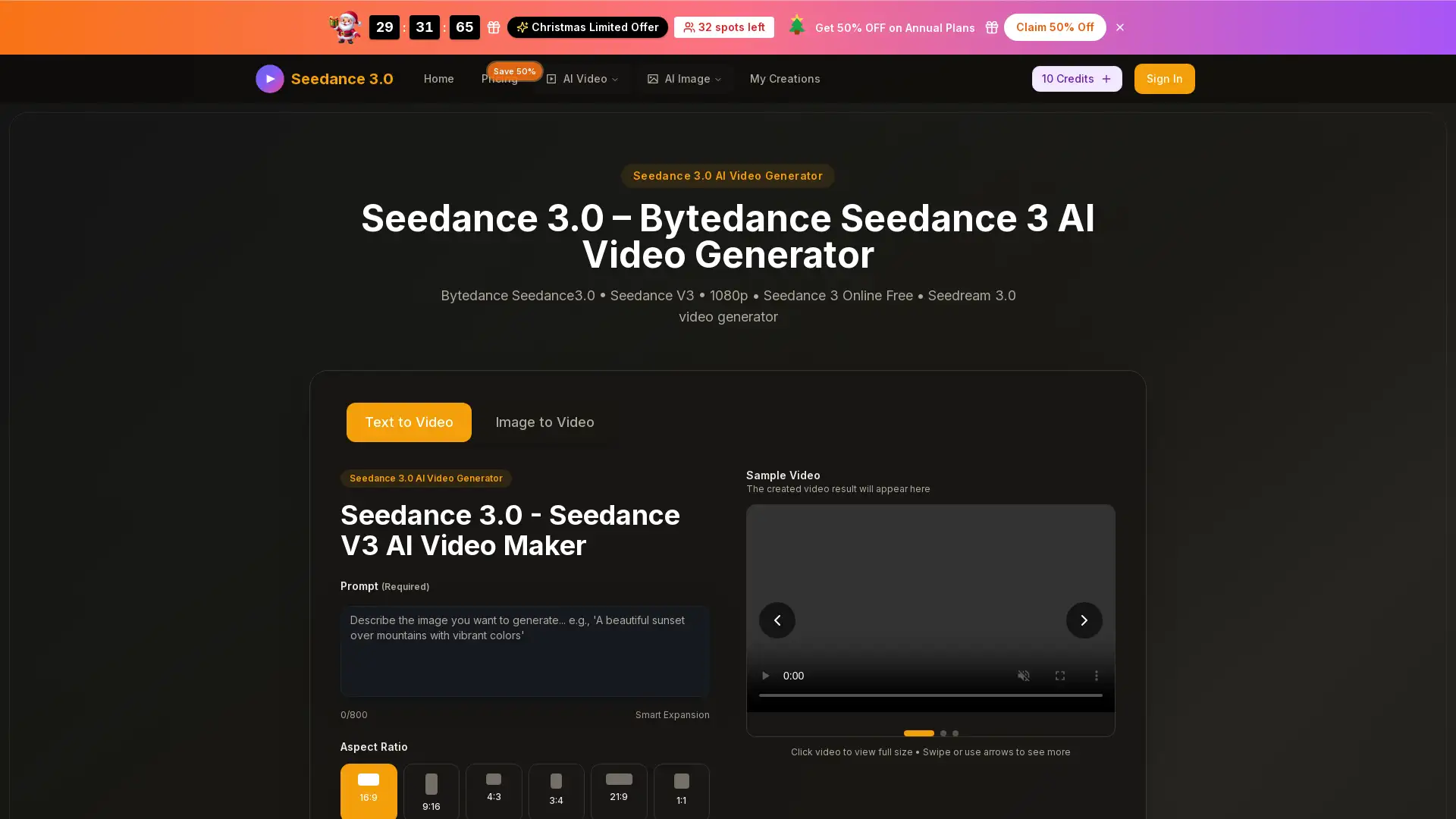
Text to Video
Image to Video
Audio to Video
- Cinematic Video
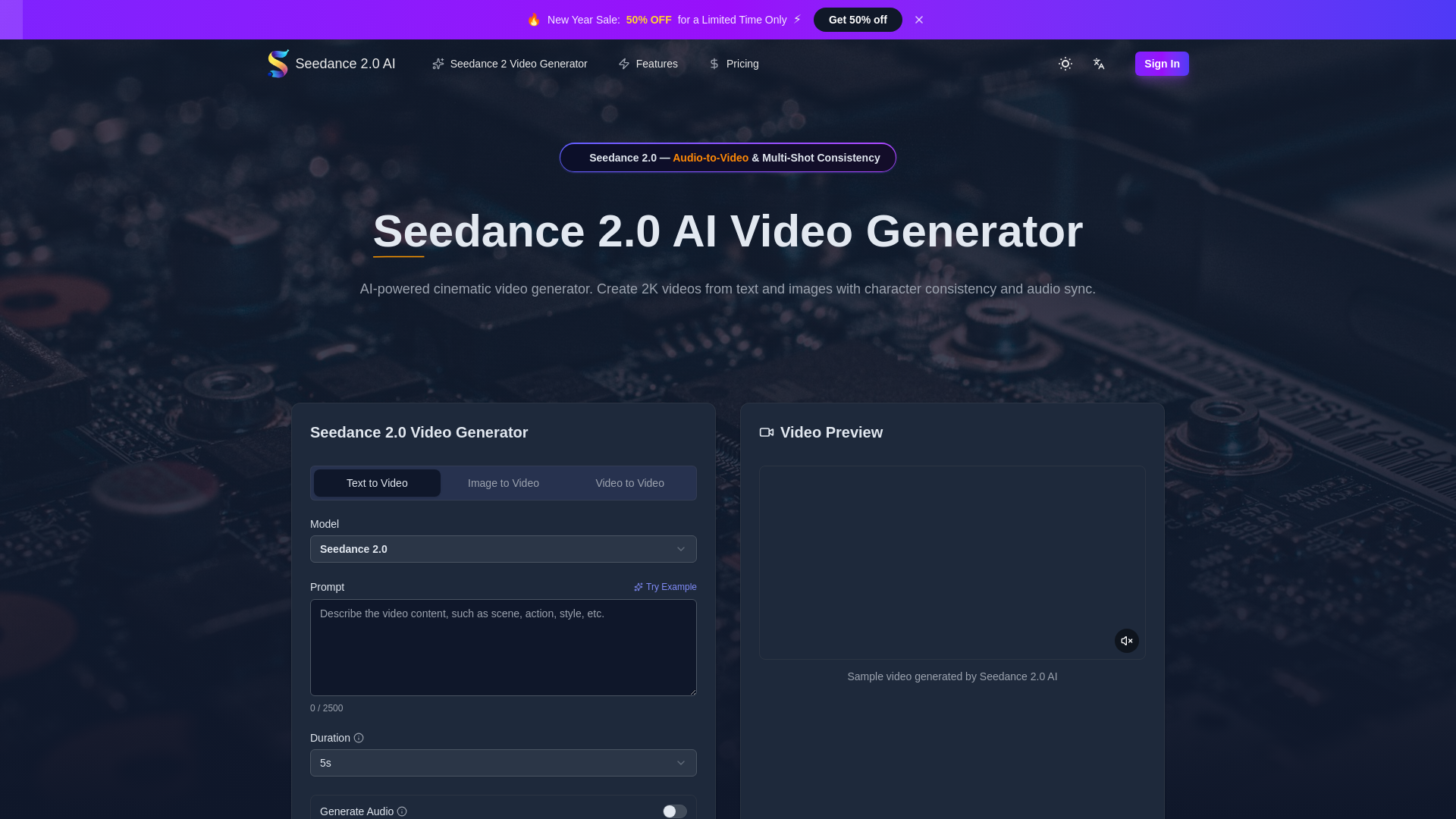
Introduction to Seedance 2.0 AI
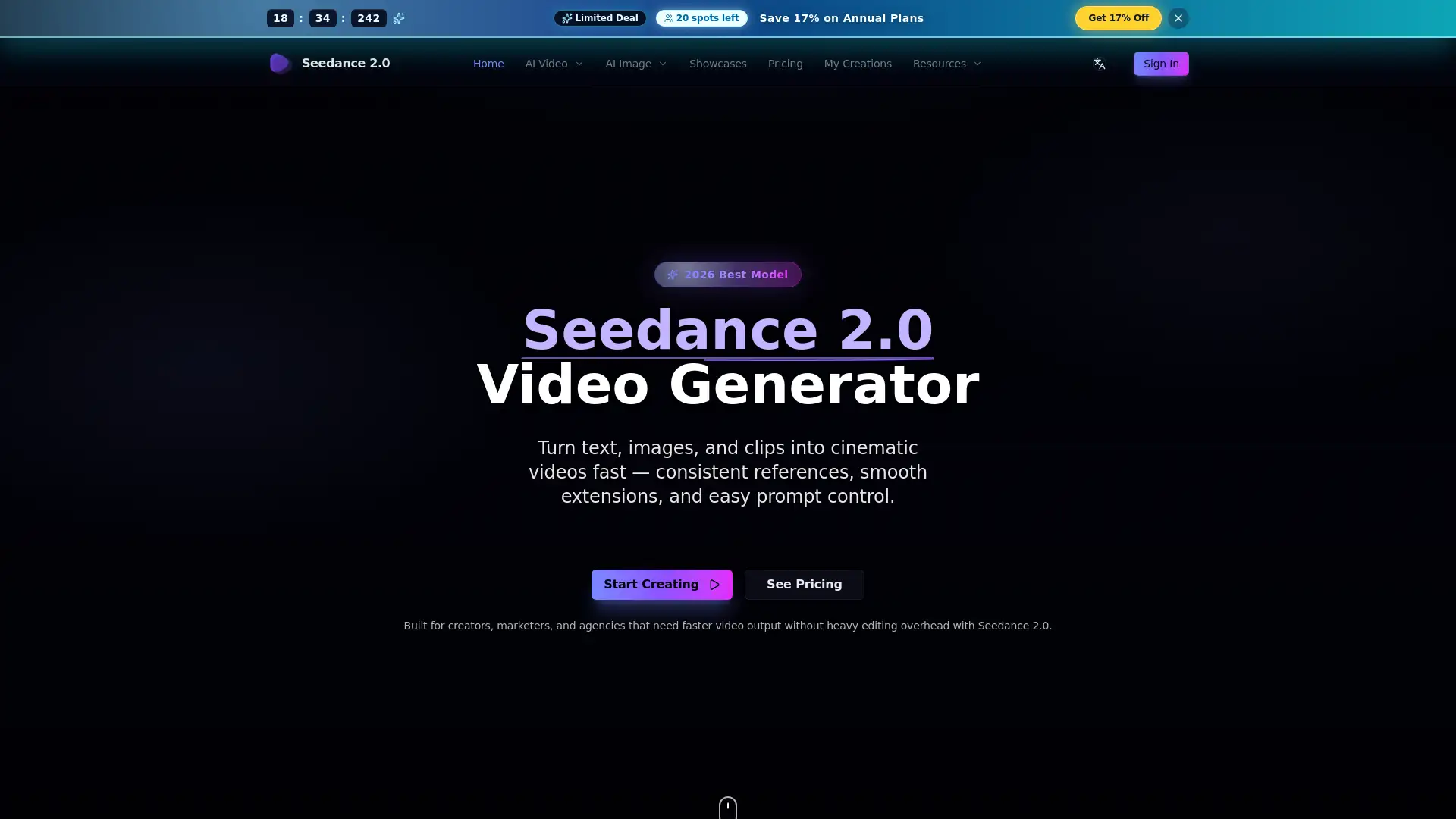
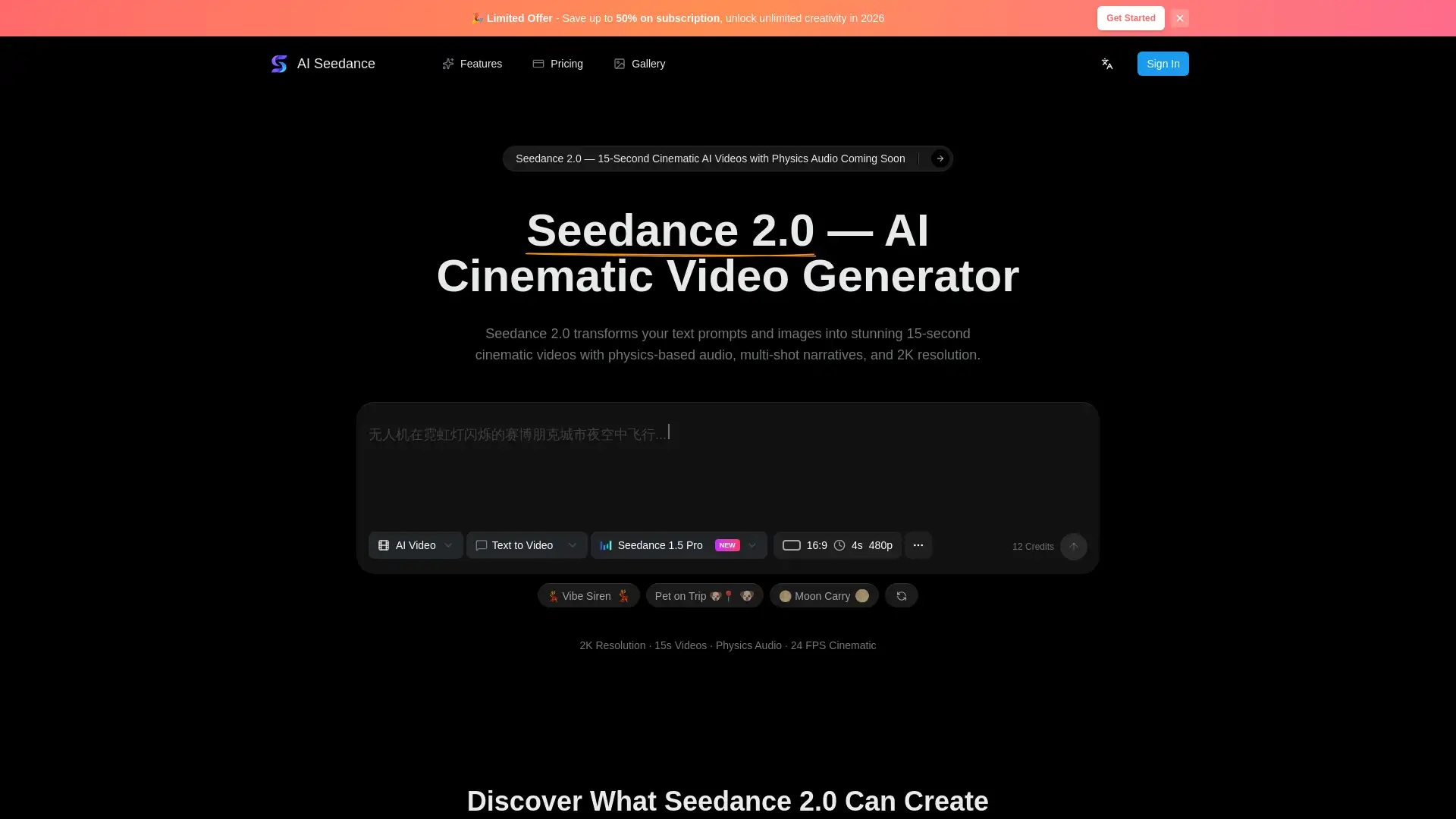
Seedance 2.0 AI is a next-generation, web-based AI video generation platform powered by an advanced V2 motion synthesis engine. It enables users to create cinematic-quality videos from text, images, or audio with realistic motion, native audio generation, and multi-shot character consistency. Supporting multiple aspect ratios and up to 2K resolution output, Seedance 2.0 is designed for professional workflows, offering fast generation speeds, commercial usage rights, and cloud-based accessibility without requiring specialized hardware.
Main Functions of Seedance 2.0 AI
Text-to-Video Generation
Example
Entering a written scene description to generate a cinematic video clip.
Scenario
A marketer creates promotional videos quickly by describing product scenes in natural language.
Image-to-Video Animation
Example
Uploading a product photo to produce an animated showcase video.
Scenario
An e-commerce seller turns static product images into engaging motion videos for online listings.
Audio-to-Video with Lip-Sync
Example
Uploading a voiceover to generate a video with synchronized character lip movements.
Scenario
An educator creates multilingual lesson videos using pre-recorded narration.
Ideal Users of Seedance 2.0 AI
Seedance 2.0 AI for Content Creators
Creators and influencers who need high-quality videos for social media, YouTube, or storytelling without complex production tools.
Seedance 2.0 AI for Marketing Teams
Marketing and advertising teams producing branded campaigns, product demos, and promotional content at scale.
Seedance 2.0 AI for Studios and Professionals
Studios, filmmakers, and designers who require character consistency, fast iteration, and commercial-ready video output.
How to Use Seedance 2.0 AI
- 1
Step 1: Enter Your Prompt or Upload Media
Describe your scene in text or upload an image or audio file to start video generation.
- 2
Step 2: Configure Video Settings
Select resolution, aspect ratio, duration, and enable features like character consistency or motion control.
- 3
Step 3: Generate and Download
Run the generation process and download the finished MP4 video for personal or commercial use.
Related Youtube Video About Seedance 2.0 AI
Seedance 2.0 is Actually Insane

Free Seedance 2.0 for AI Creators - What’s Likely Coming
Text to Video is HERE! Create Realistic Cinematic Shots with AI
Vidu Ai: Create Cinematic Animations for Free | AI Video Generation Tool Tutorial
AI Video Generator: FREE Canva Text To Video AI Tutorial
Vidu Ai | Create High-Quality Animations For Free | Vidu Ai Tutorial
Vidu AI: Best AI Video Generator | Text To Video AI & Image To Video AI

UNLIMITED FREE AI Video Generator 🔥 Text to Video AI & Image to Video | Make Animation Film with AI
Frequently Asked Questions
Seedance 2.0 AI Pricing
For the latest pricing, please visit this link:https://seedance-2.app/pricing
Starter
$9.9/month or $119/year
5,000 credits per year
Text-to-video and image-to-video
Native 2K output and audio sync
Commercial use license
No watermark
Standard customer support
Premium
$19.9/month or $239/year
24,000 credits per year
Text-to-video and image-to-video
Motion control features
Native 2K output and audio sync
Commercial use license
No watermark
Priority customer support
Advanced
$49.9/month or $599/year
85,000 credits per year
Fastest generation speed
Text-to-video and image-to-video
Motion control and multi-shot consistency
Native 2K output and audio sync
Commercial use license
No watermark
Expert team support