Seedance 2.0
Visit- Introduction:
Create stunning AI videos from text, images, or clips.
- Added on:
Mar 11 2026
- Company:
Seedance 2.0
- AI video generation
Text to video
Image to video
Video creation tool
Marketing videos
Introducing Seedance 2.0: AI Video Generation Made Easy
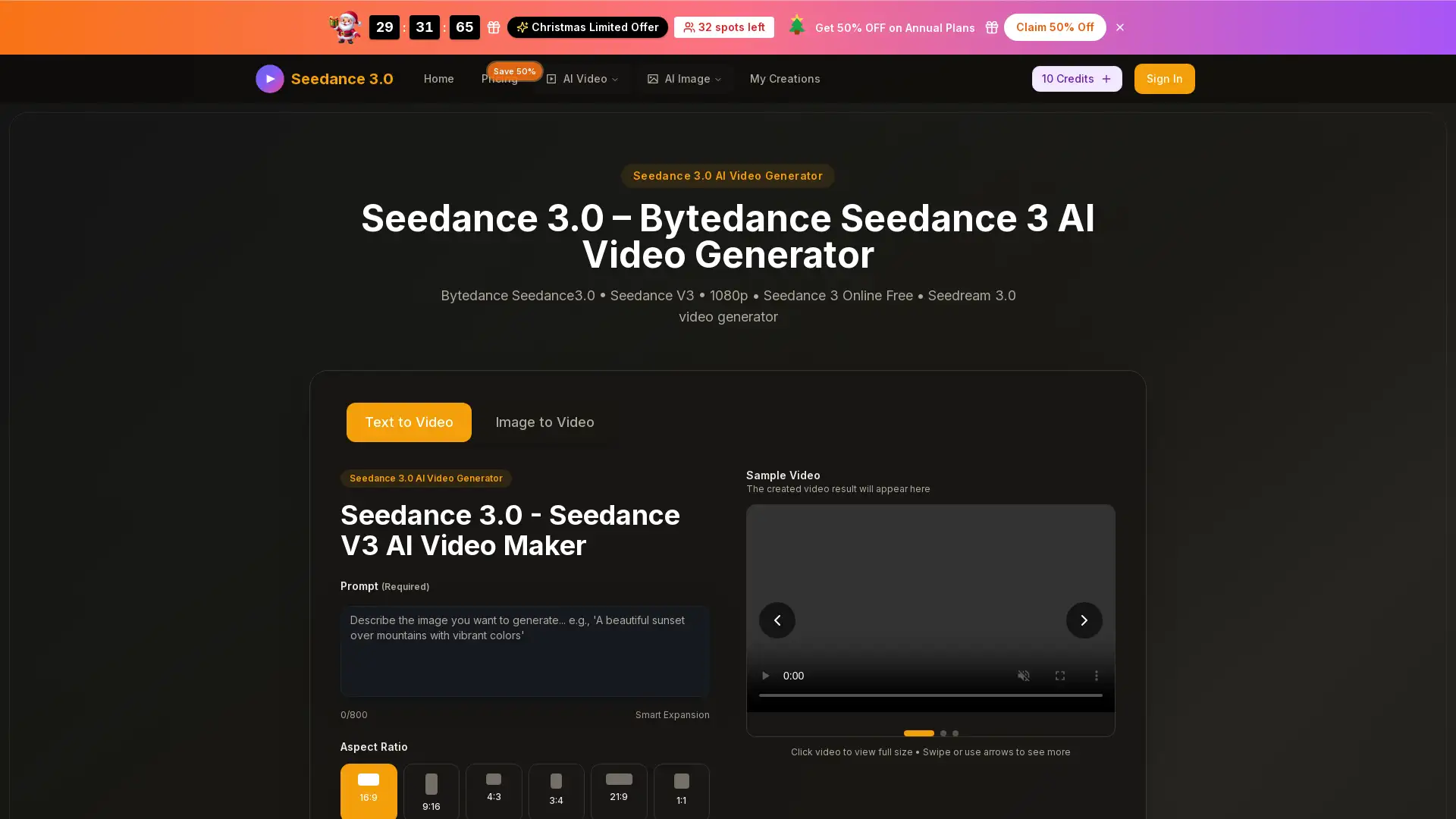
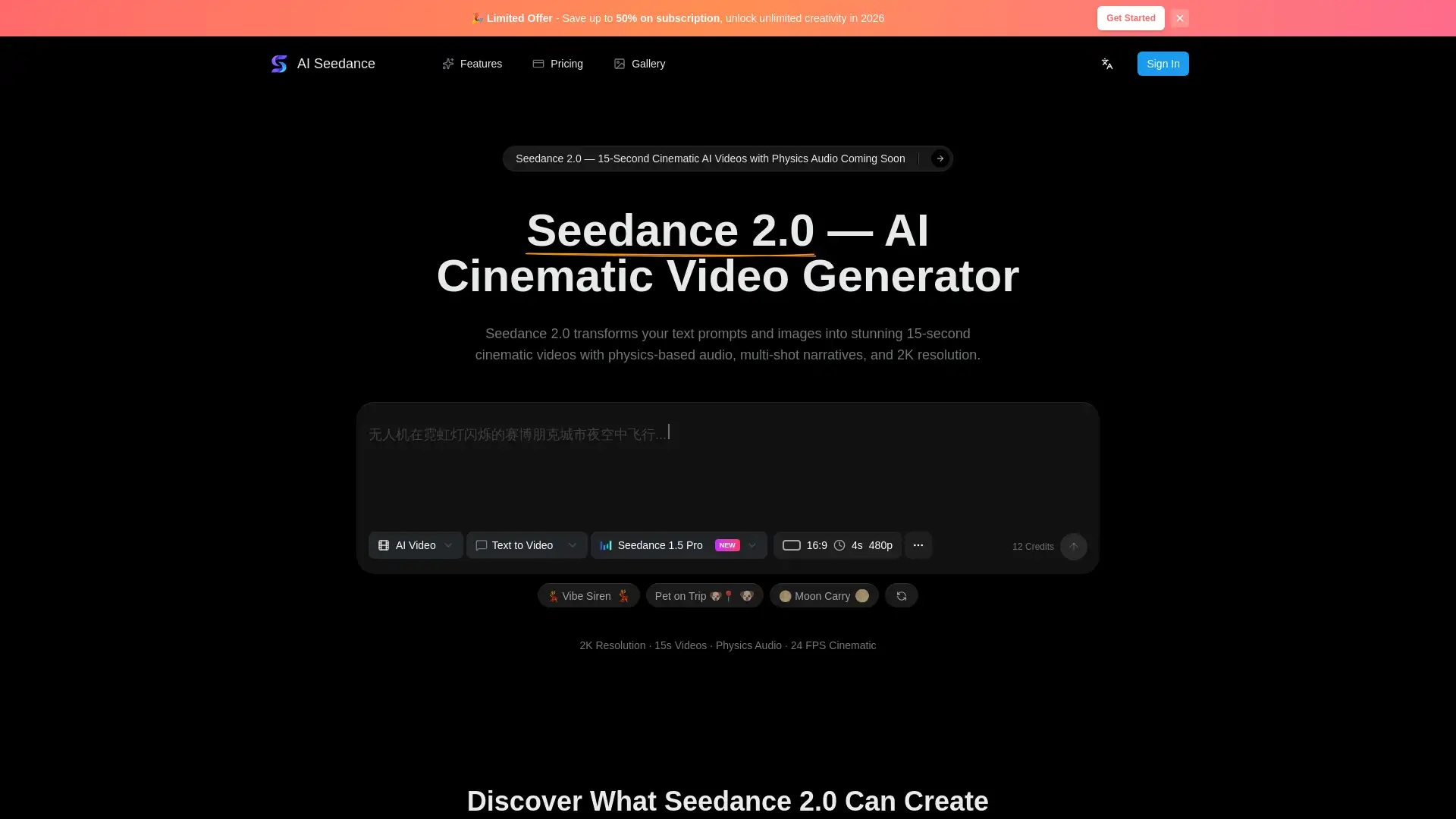
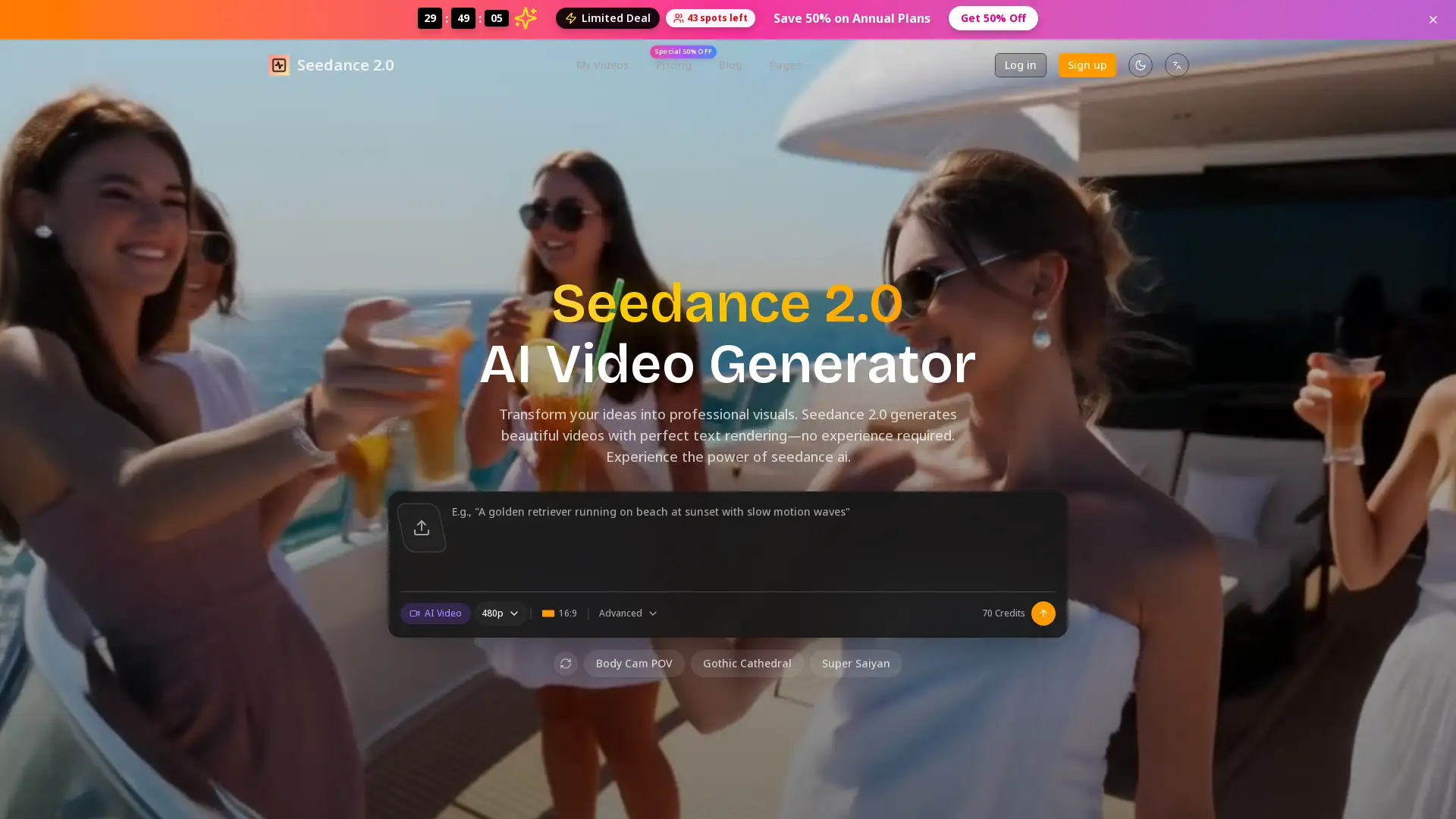
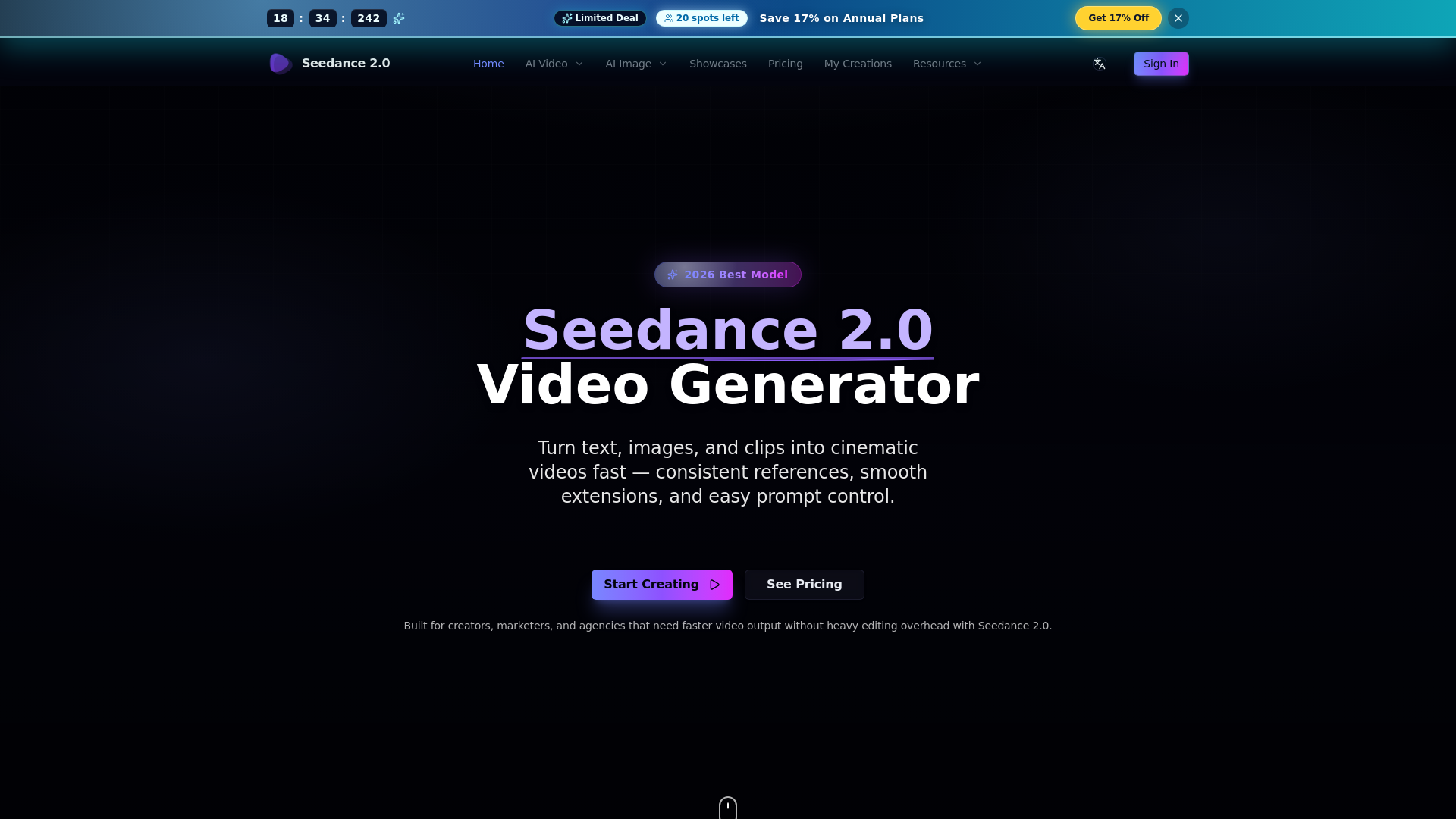
Seedance 2.0 is a powerful AI video generation tool that allows users to quickly and easily create high-quality videos from text, images, or existing video clips. With its advanced features like text-to-video, image-to-video, and video-to-video capabilities, Seedance 2.0 helps creators, marketers, and businesses bring their ideas to life in a fraction of the time, with minimal editing required. Whether you're crafting social media content, marketing videos, or product demos, Seedance 2.0 is designed to streamline the video production process.
Main Functions of Seedance 2.0
Image-to-Video
Example
Create a promotional video from a product image and text description.
Scenario
Perfect for e-commerce businesses that want to turn static product images into dynamic promotional videos quickly.
Text-to-Video
Example
Generate a video from a script to showcase a new campaign.
Scenario
Ideal for marketers looking to transform campaign ideas into compelling video content with minimal effort.
Video-to-Video
Example
Restyle an existing marketing video for a new campaign using video-to-video capabilities.
Scenario
A great solution for content creators who want to reuse existing footage and adapt it to new creative directions.
Ideal Users for Seedance 2.0
Marketing Professionals
Marketers and advertisers looking to create fast, engaging video content for social media campaigns or product promotions.
Content Creators
Content creators who need to generate video content from static images or scripts quickly, without professional editing skills.
E-commerce Businesses
E-commerce businesses aiming to create dynamic product videos from static images for better customer engagement.
How to Use Seedance 2.0
- 1
Step 1: Select Input Mode
Choose your desired input type: text, image, or video.
- 2
Step 2: Customize Your Video
Provide your prompts and references, such as scene details, camera angles, and style preferences.
- 3
Step 3: Generate and Export
Generate the video, review the output, and download it for publishing or further editing.
Related Youtube Video About Seedance 2.0
Seedance 2.0 is Actually Insane

Free Seedance 2.0 for AI Creators - What’s Likely Coming
Vidu AI: Best AI Video Generator | Text To Video AI & Image To Video AI
Vidu Ai | Create High-Quality Animations For Free | Vidu Ai Tutorial
This AI TEXT-to-VIDEO generator is WILD: invideo AI tutorial
INVIDEO AI : NEW RELEASE - Create videos In 50+ languages | Faceless YouTube Automation
FREE AI Video Generator | Generate Video From Text Without WATERMARK | Text to Video AI

invideo AI Tutorial | Text to Video App
Frequently Asked Questions
Seedance 2.0 Pricing
For the latest pricing, please visit this link:https://seedancev2.ai/pricing
Basic Plan
$41/month or $490/year
720p HD video quality
Up to 15-second videos
Sound effects included
Priority processing
MP4 download
No watermark
Business certificate included
6,000 credits total (~240 videos/year)
Standard Plan
$83/month or $990/year
720p HD video quality
Up to 15-second videos
Advanced audio sync & lip sync
Fast priority processing
Batch generation
API access
Business certificate included
13,200 credits total (~528 videos/year)
Pro Plan
$167/month or $2,000/year
720p HD video quality
Up to 15-second videos
Premium audio sync & lip sync
Fastest processing speed
Custom branding
Dedicated support & API
Business certificate included
28,800 credits total (~1152 videos/year)