 Yeschat
Turn Two Images into One Stunning Visual Instantly
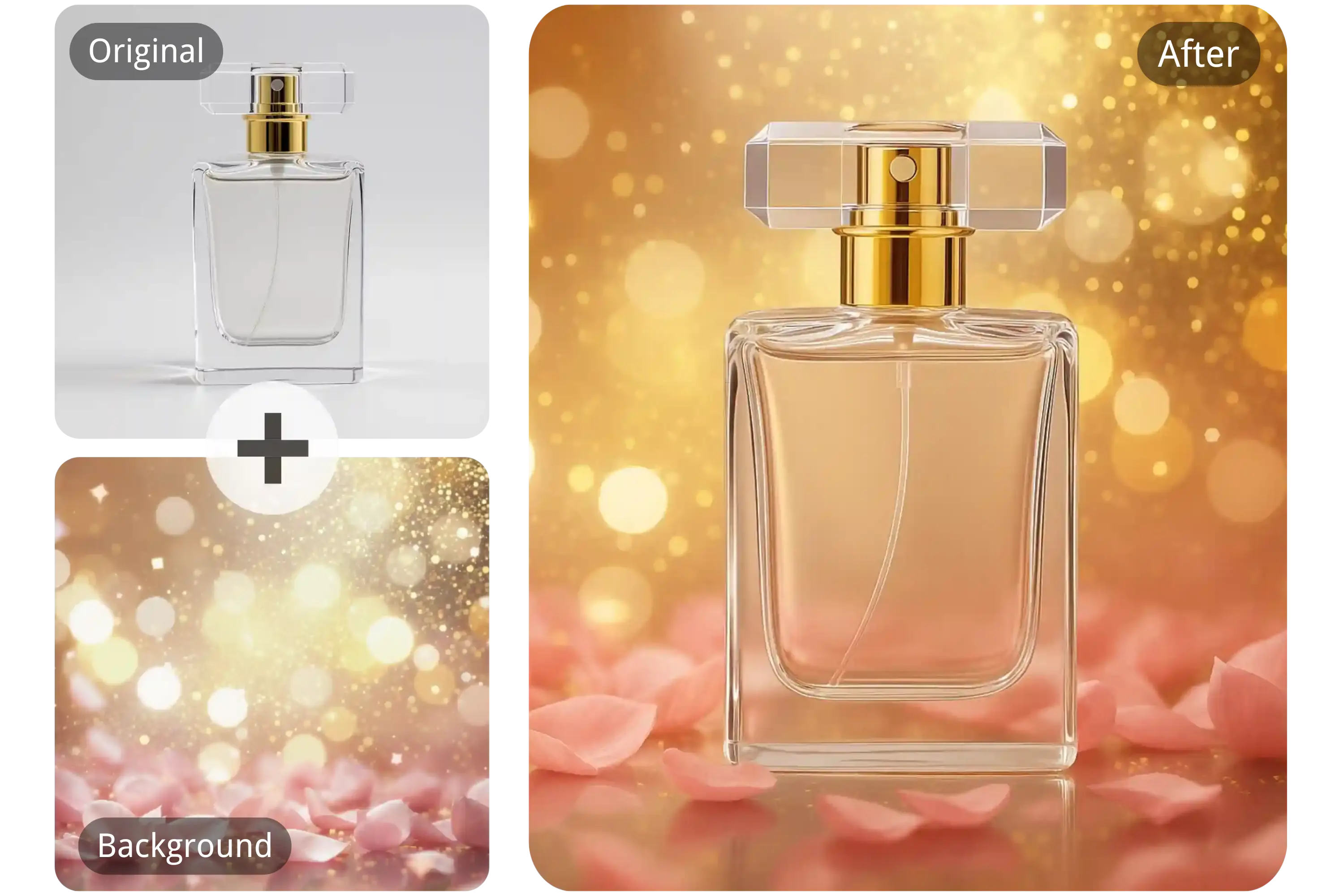
🧩 Merge Any Two Images into One
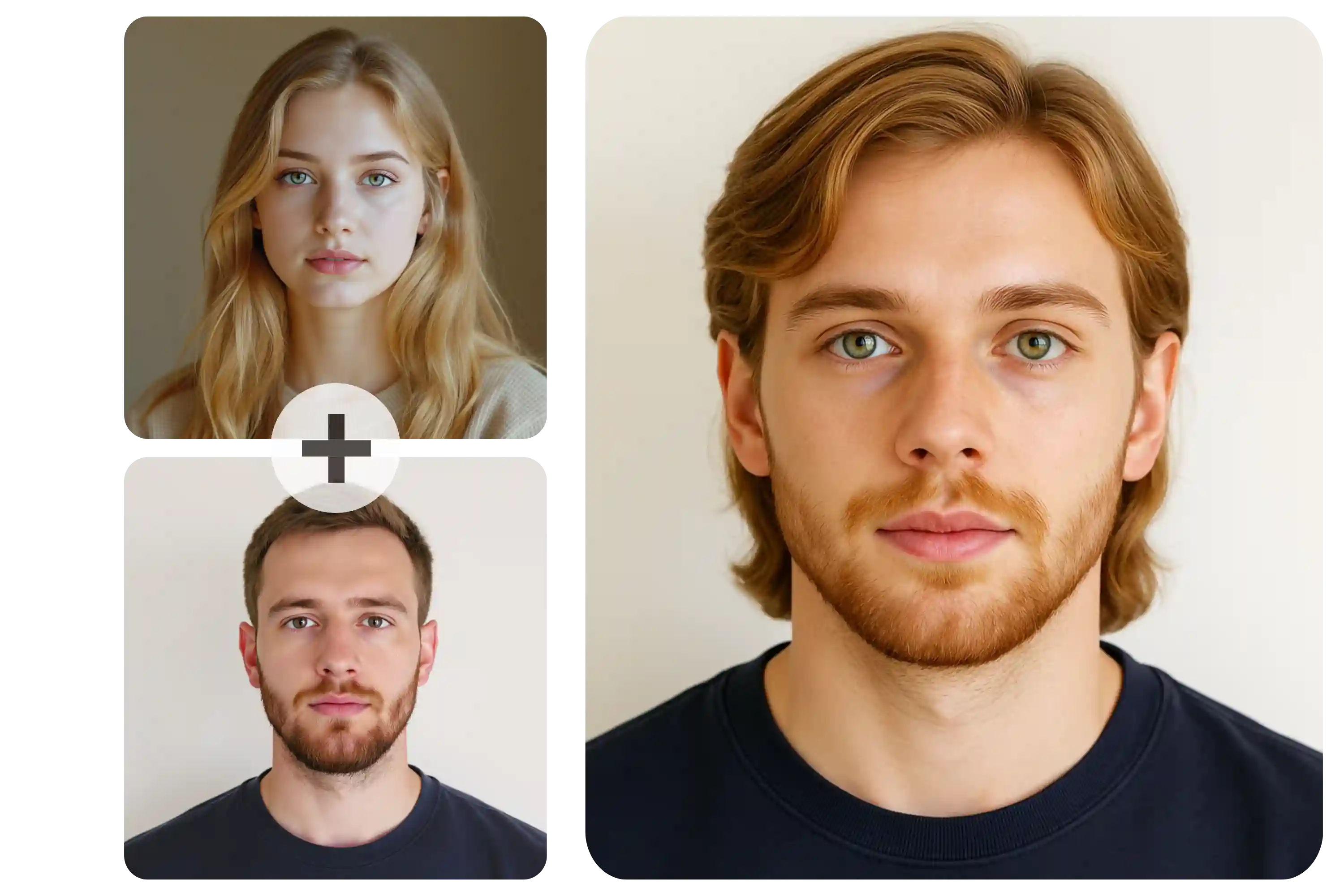
Combine two unrelated images into a single cohesive artwork. From surreal mashups to seamless transitions, the AI lets you explore limitless creative combinations—perfect for digital storytelling, concept art, or just having fun.
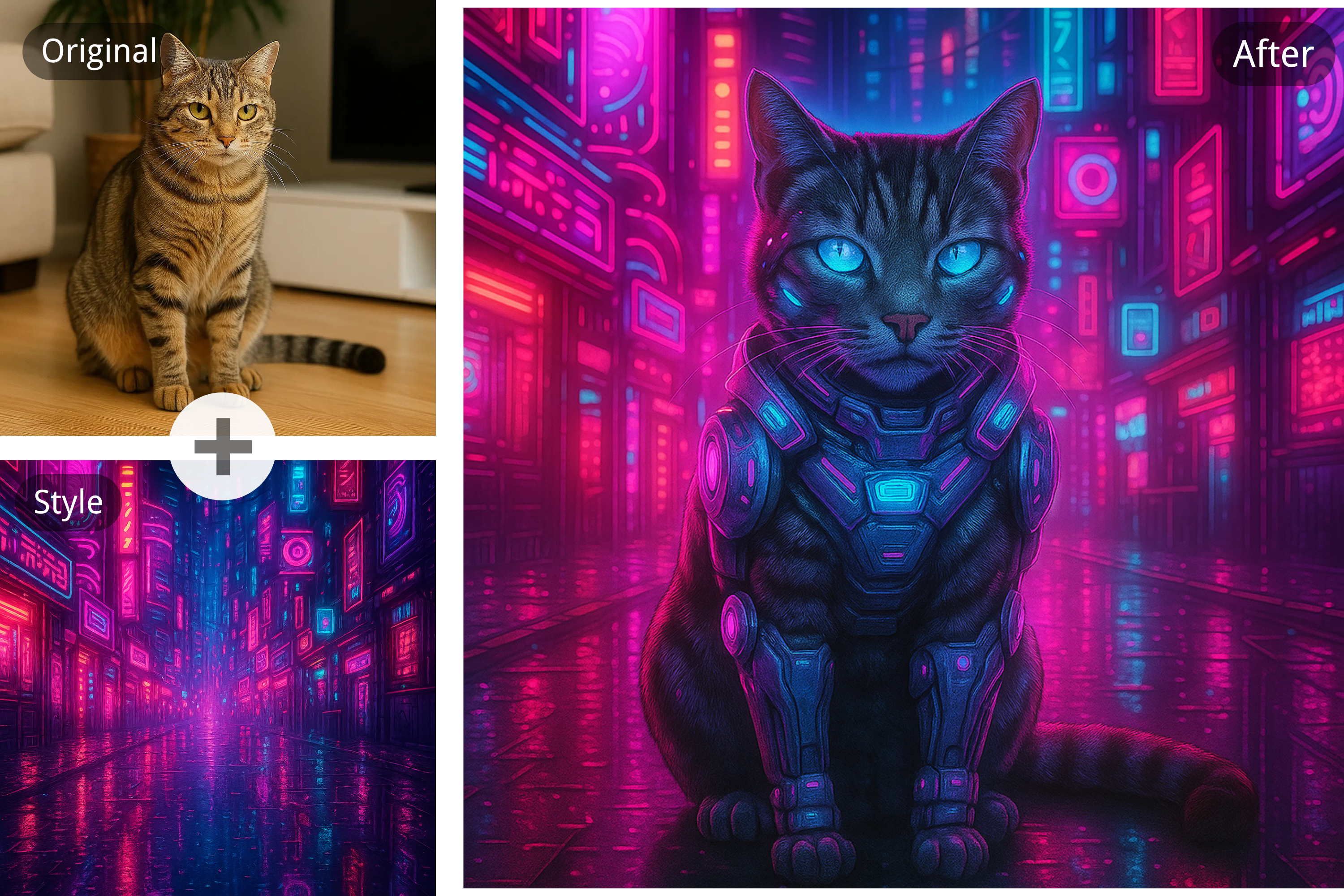
🎨 Perfectly Blended AI Image Fusion
Combine two images into one flawless composition with AI precision. No visible edges, no mismatched lighting—just a smooth, natural blend that feels like a single, thoughtfully crafted image. Ideal for portraits, landscapes, and creative visual storytelling.
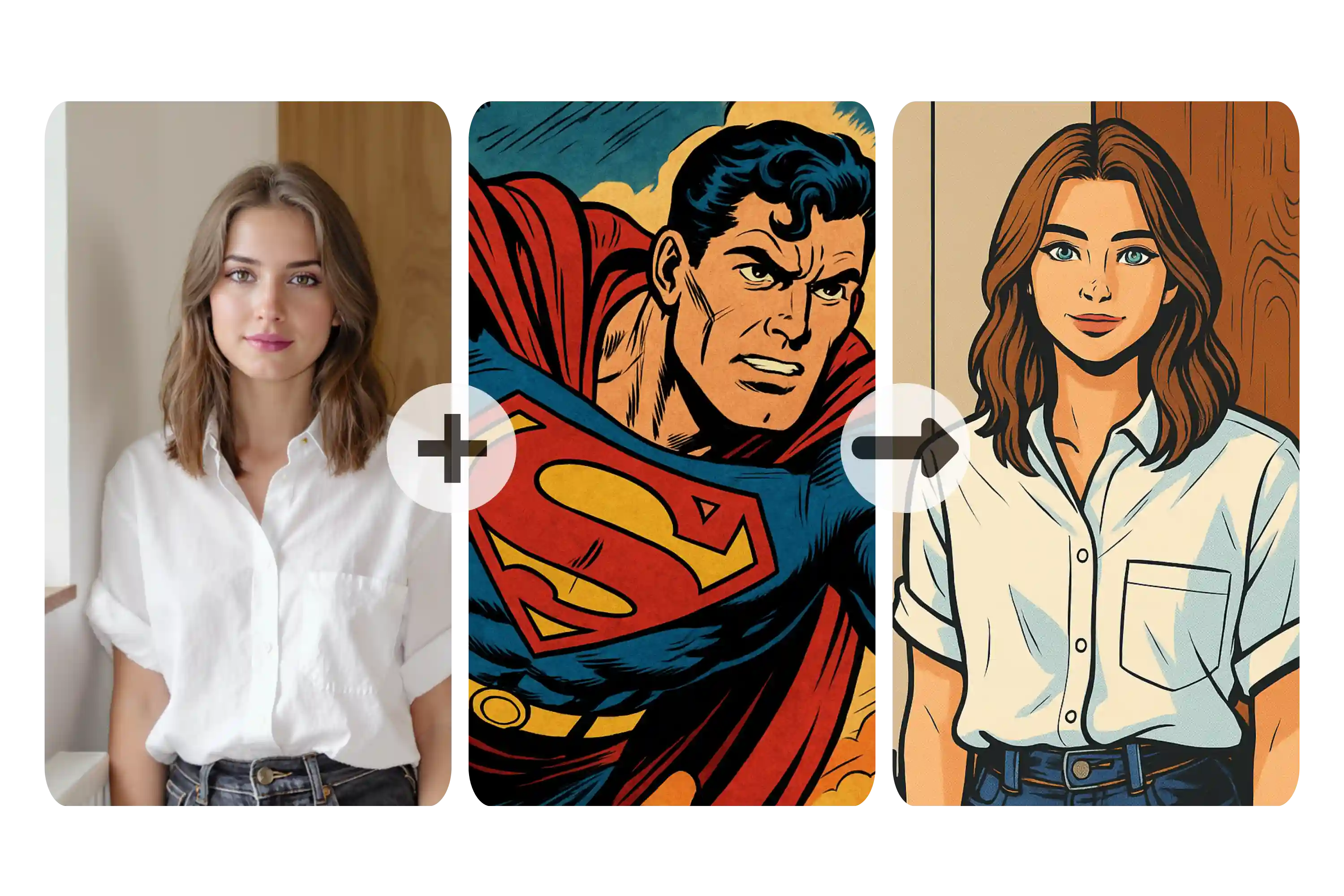
🖌️ Artistic Style Transfer
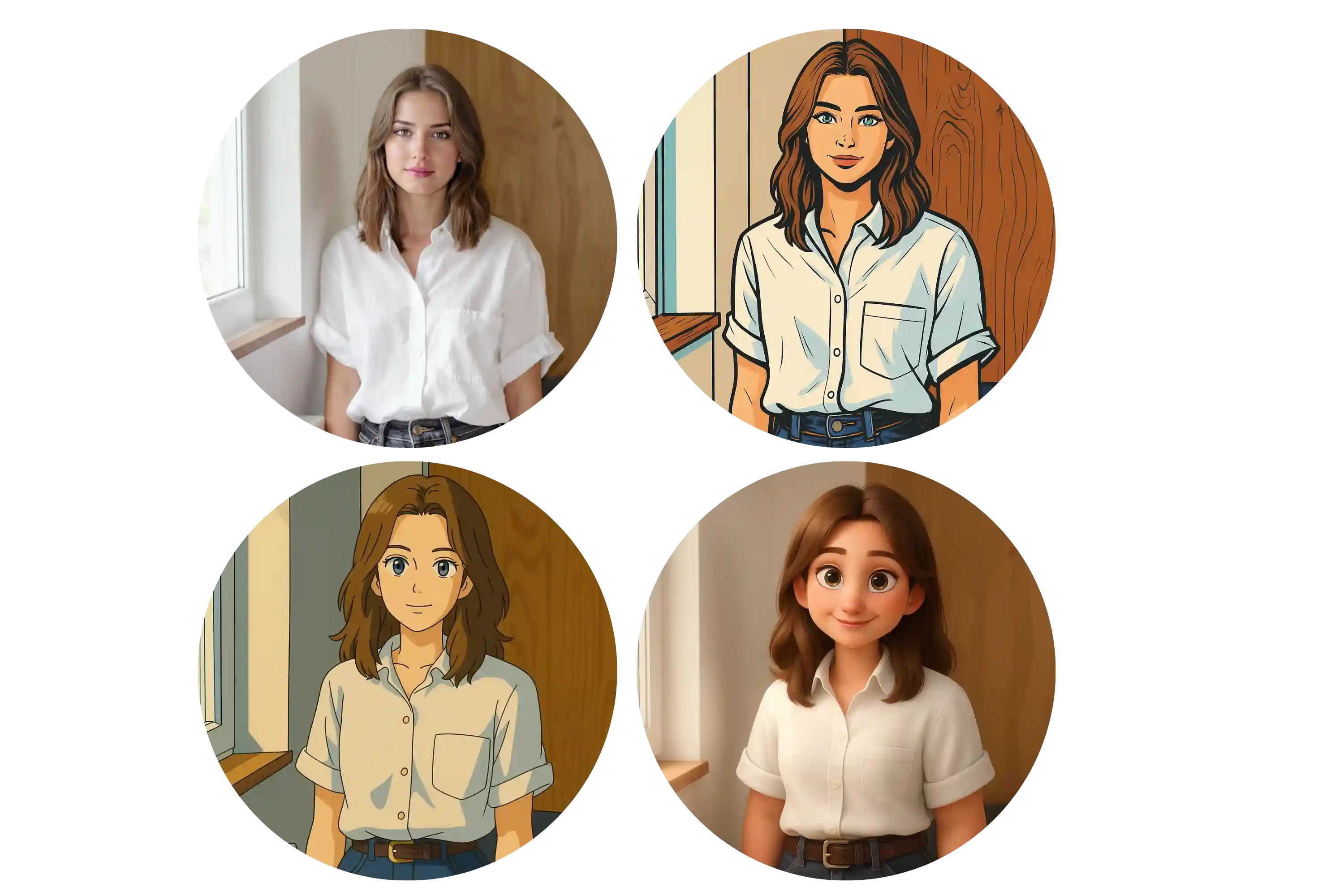
Transform your images with powerful artistic style transfer capabilities. Merge photos in styles like cartoon, watercolor, realism, or abstract by using visual references or text prompts to guide the AI image combiner in generating visually rich outputs.
🔁 Consistent Character Blending
Maintain facial identity, proportions, and lighting across blended images. The AI ensures that characters stay visually consistent, making it ideal for avatar creation, multiframe scenes, or evolving character designs.
How to Use the AI Image Combiner Free Online
📤 Upload Your Images
Select two images in supported formats (JPG, PNG, or WEBP) and upload them to the AI image combiner.
🧠 Customize with Prompts
Enter optional text prompts to define artistic style, mood, or attributes (e.g., 'cyberpunk cityscape in neon hues'). Adjust style and aspect ratio as needed.
⬇️ Generate and Download
Let the AI do the magic! In one minute, your new image will be ready for preview. Download and share your creation instantly.
Real-World Uses of the AI Image Blender
🎨 Create Concept Art
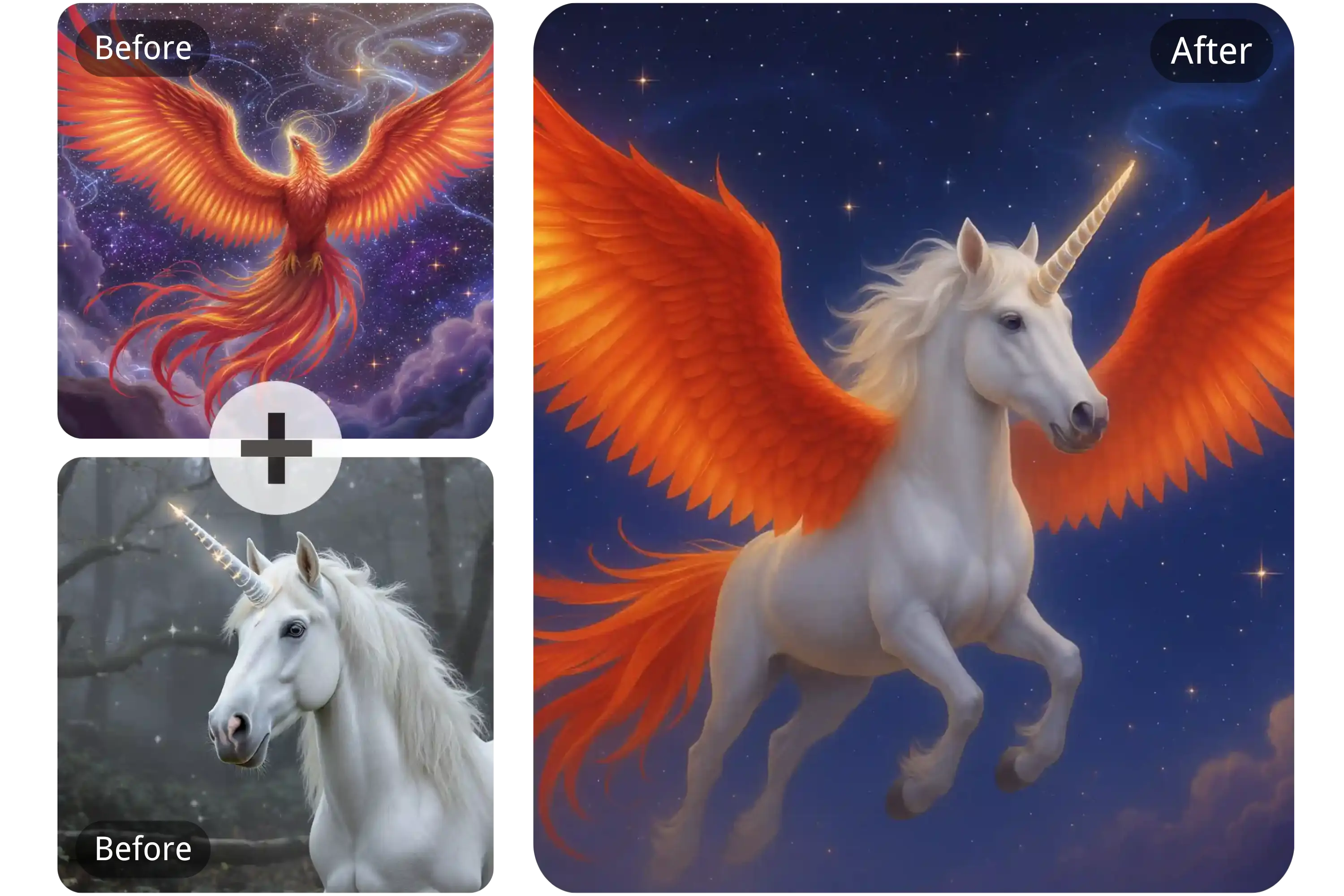
Artists use the AI image combiner for concept art to fuse unrelated visuals—like objects, creatures, or scenes—into bold new ideas.
📱 Eye-Catching Social Media Content
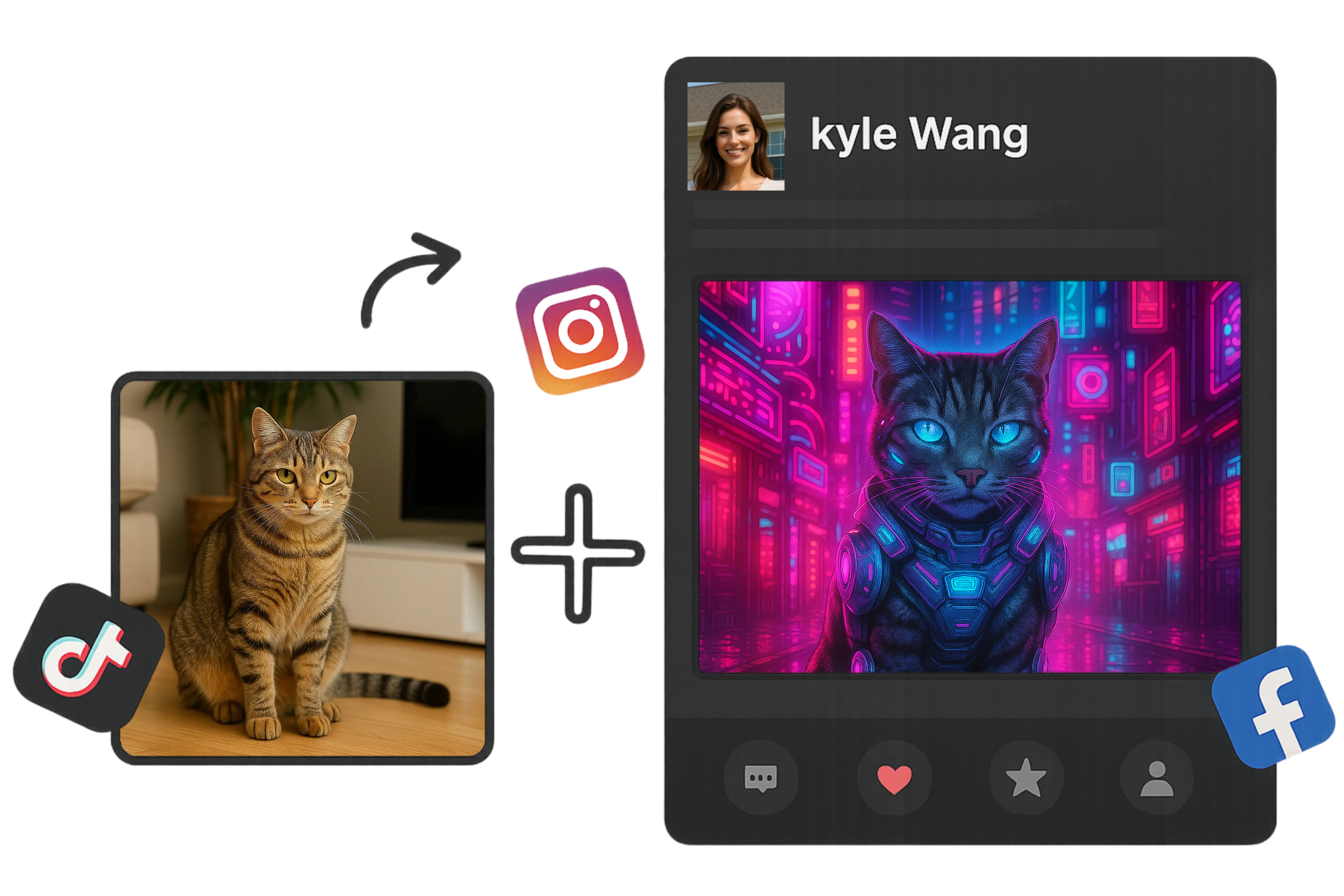
Influencers and marketers use the AI tool to merge images for social media campaigns, combining backgrounds and elements to create scroll-stopping visuals.
🛍️ Generate Unique Product Mockups
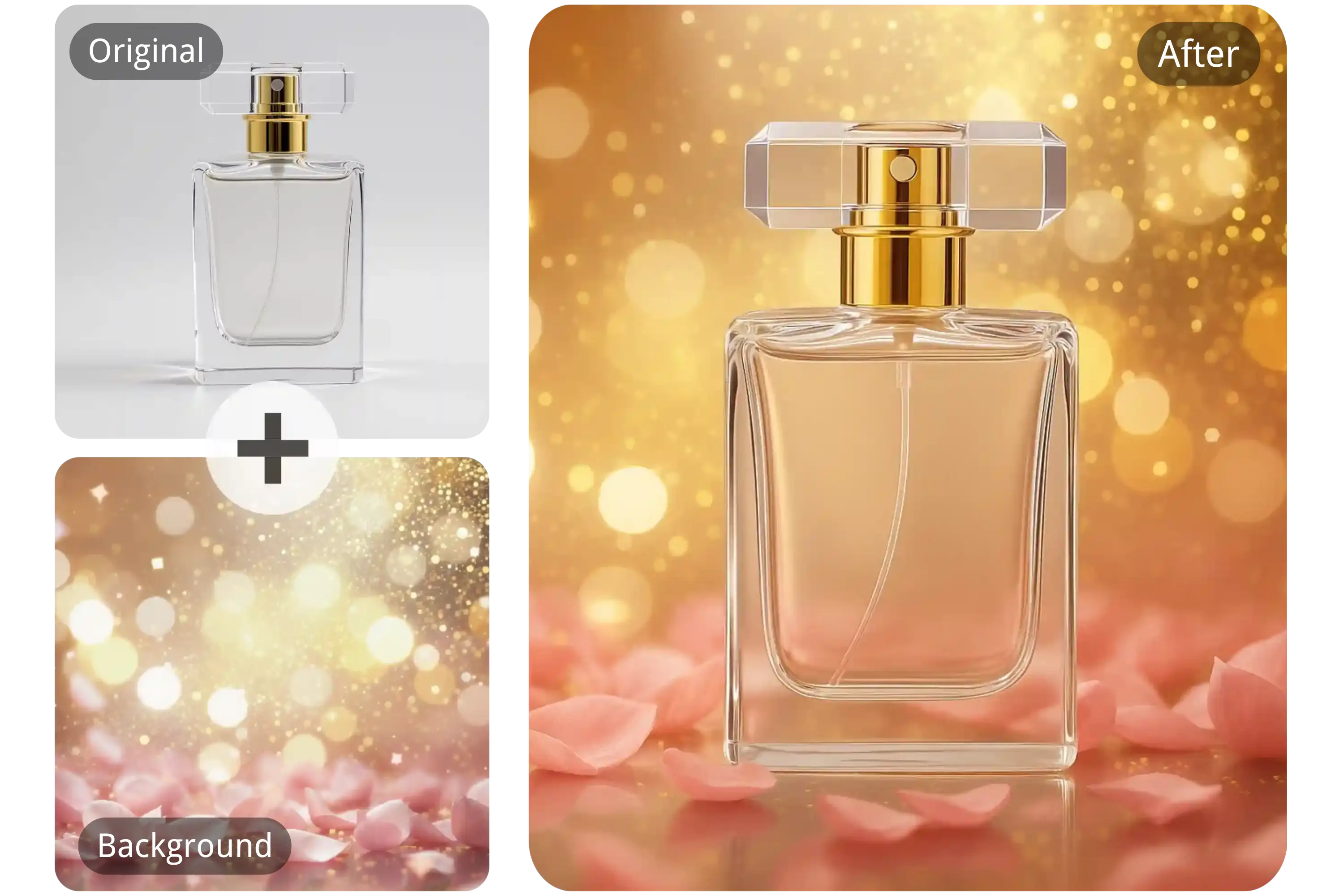
E-commerce designers use the AI image combiner for product mockups to overlay textures, colors, or packaging designs onto product photos, often alongside a background remover to ensure clean, professional visuals.
👩🏫 Swap Faces for Fun
Creators use the AI image combiner for face swap to merge facial features from different images, enabling playful edits or realistic composite portraits.
What Users Say About the AI Image Combiner
The artistic style transfer blew me away. I was able to merge classical art styles into my digital portraits seamlessly!
Ava Thompson
Digital Artist
We used the AI image combiner to quickly generate campaign visuals. It's fast, intuitive, and the results are always professional.
Liam Rodriguez
Marketing Specialist
I love how easy it is to create unique content for Instagram. The ability to blend images with text prompts is a game-changer!
Mia Zhang
Social Media Manager
Perfect tool for quick character prototyping. The AI creates amazing face blends and fantasy-style visuals in seconds.
Noah Patel
Game Developer
I use it to create fun, educational visuals for my class blog. Merging concepts visually helps my students learn faster.
Sophie Nguyen
Teacher & Blogger
This tool lets me visualize design combinations I used to mock up manually. It's saved me hours of work!
Ethan Moore
Product Designer
Frequently Asked Questions About the AI Image Combiner
Can I combine two pictures with AI?
Yes, the AI image combiner by YesChat.ai allows you to merge two pictures seamlessly using advanced AI blending technology.
What image formats are supported?
Supported formats include JPG, PNG, and WEBP.
Is the AI image combiner free to use?
Yes, you can use the AI image combiner for free without downloading or registering. However, advanced features and additional usage credits are available through a subscription plan.
Can I use the merged images commercially?
Images generated during the free period are for personal use only. Commercial use is allowed for subscribers.
How long does it take to generate a combined image?
Most images are processed and ready to download within 60 seconds.
Can I add style prompts to guide the AI?
Absolutely. You can enter text prompts describing style, colors, or themes to influence the final merged image.
Do I need design skills to use this AI image combiner?
No design experience is required. The interface is user-friendly, and the AI handles all the complex processing.
Can I combine more than two images?
Currently, you can combine up to 5images at a time using the AI image combiner.