Change Eye Color in One Click — Free, Realistic & Secure
Intelligent Eye Detection for All Eye Shapes
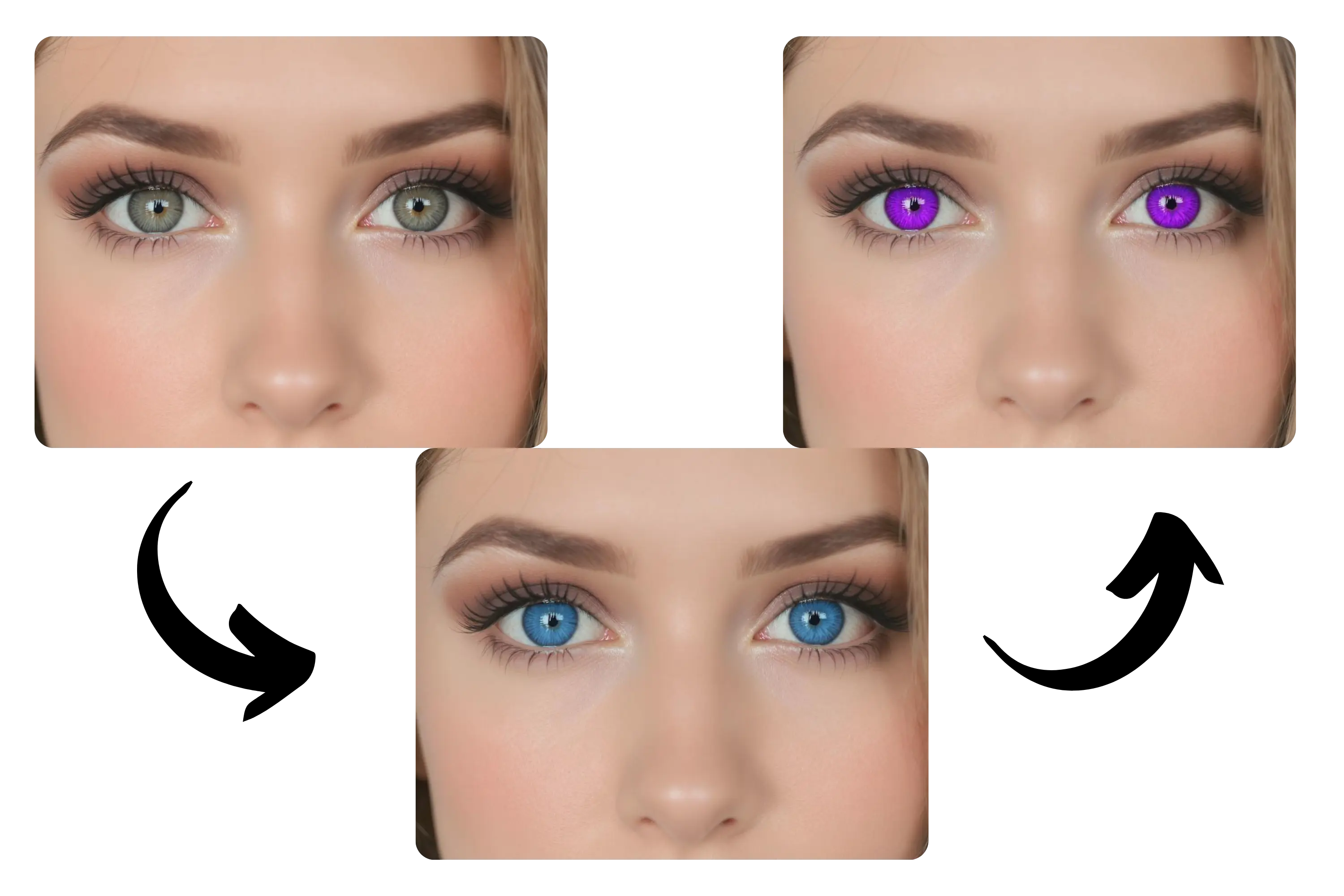
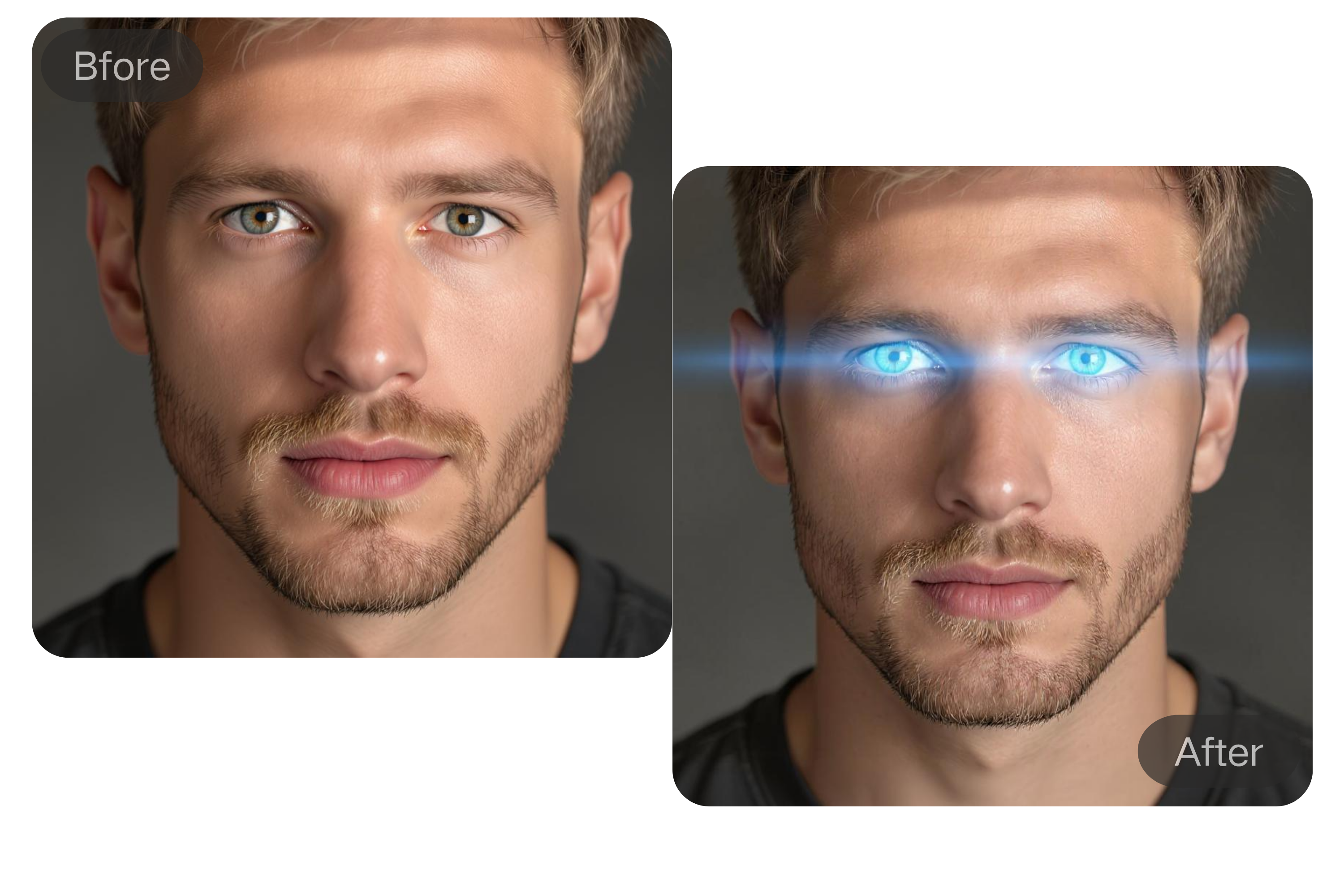
The AI eye color changer uses advanced facial recognition to detect eyes of any shape, size, or angle—even under makeup or glasses. It applies new colors with high precision, adapting to skin tone, lighting, and facial features to ensure natural-looking results. Even low-resolution or dimly lit images get accurate and realistic transformations.
Custom Eye Colors Without Surgery
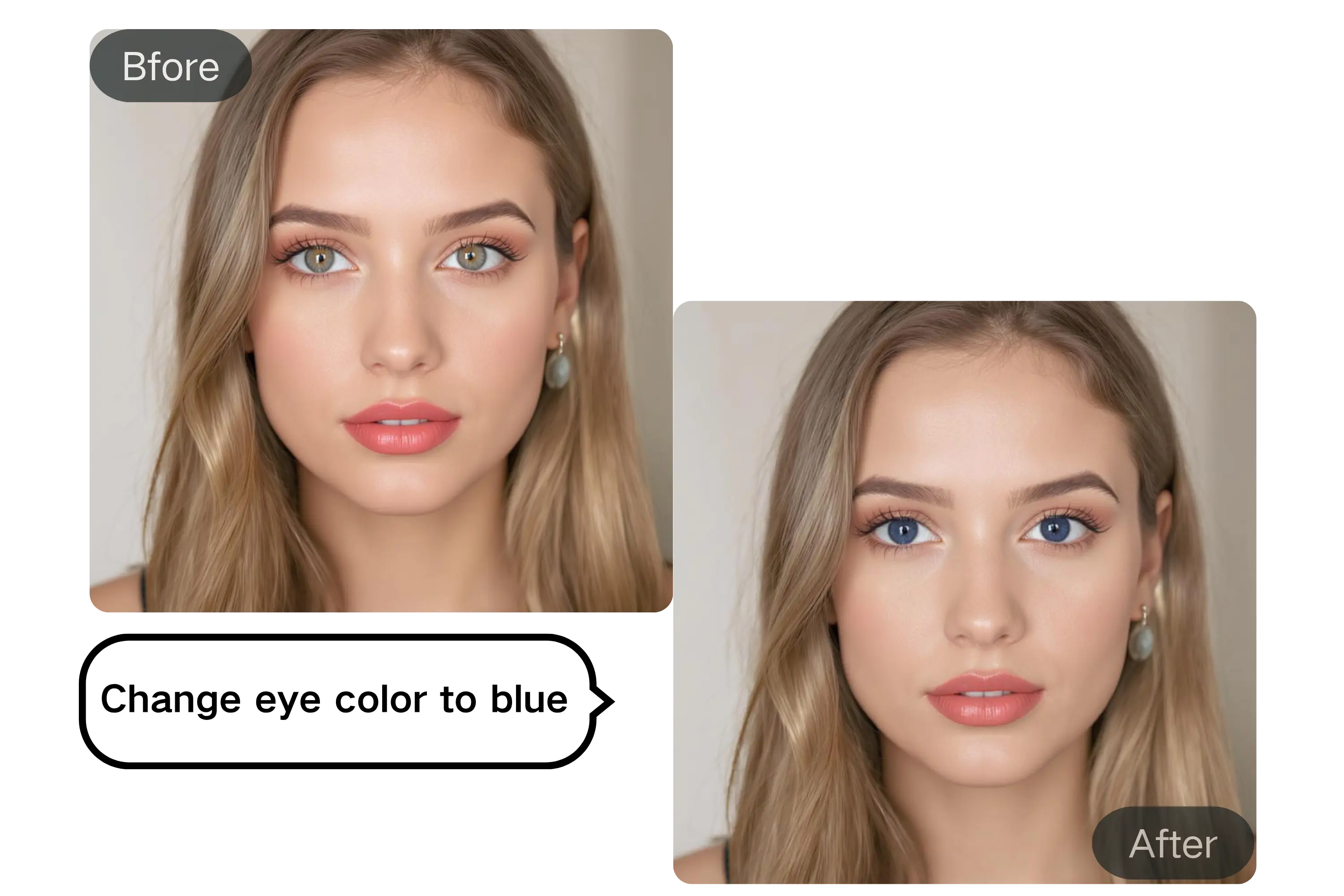
No risky procedures needed—simply change eye color with text prompts. From natural browns to fantasy hues like violet or heterochromatic (dual-color) eyes, the AI generates hyper-realistic eye color transformations tailored to your input.
Fast, Private, and Safe
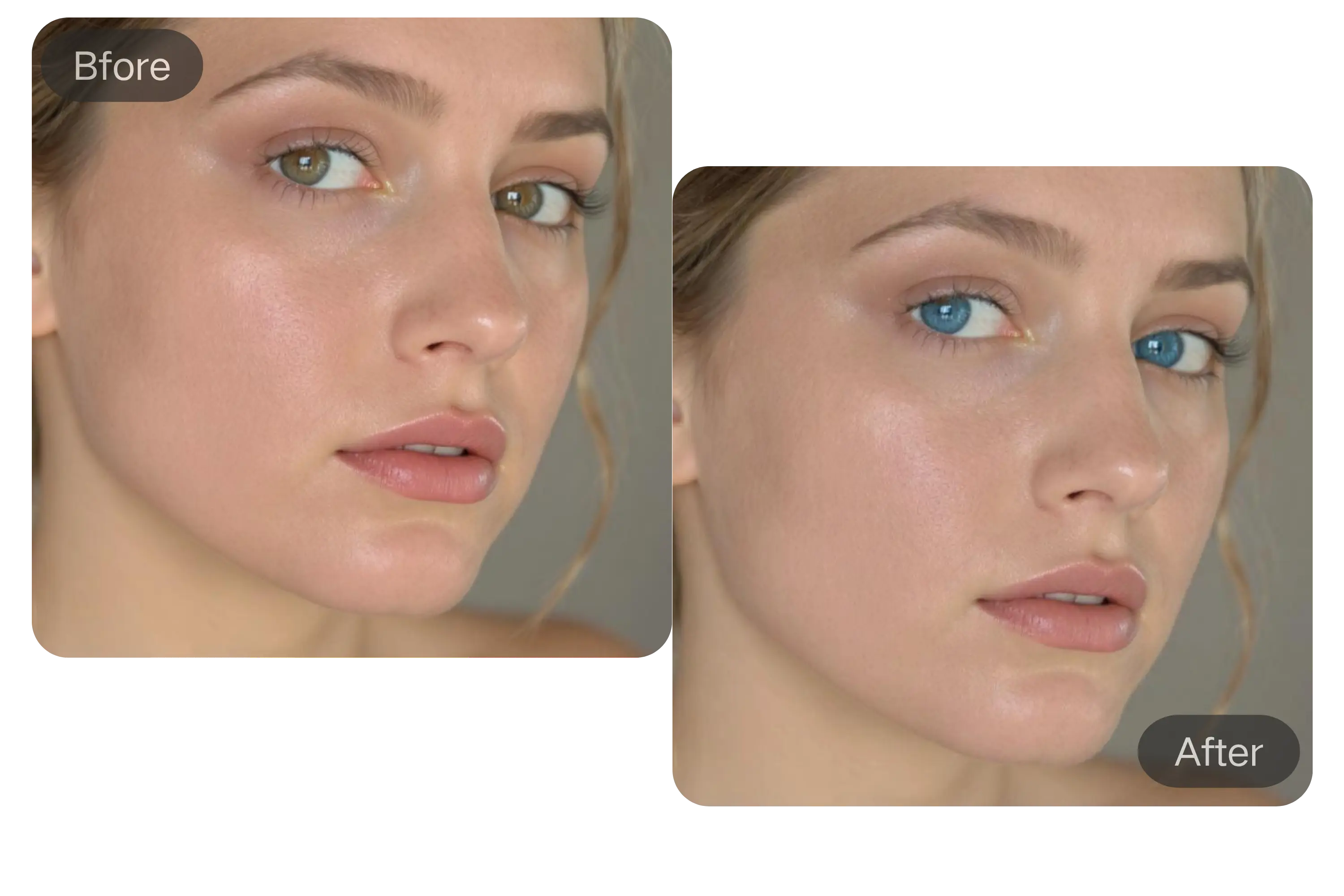
The AI eye color changer processes your eyes in seconds—directly in your browser. No software, no login, and no storage. Your photo is secure, your style update is instant, and when paired with our hairstyle changer, you can transform your entire look effortlessly in one session.
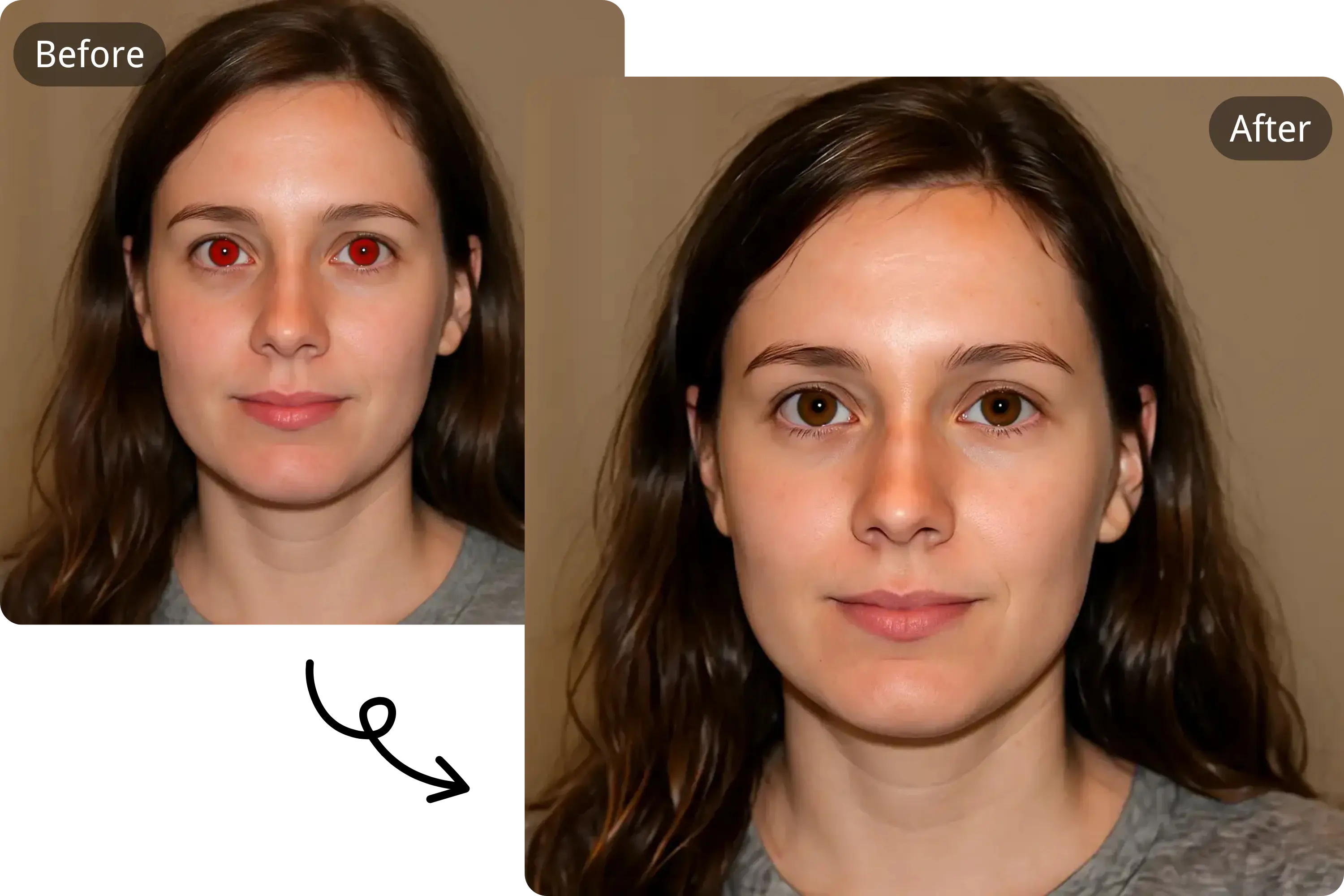
Red-Eye Correction and Detail Enhancement
Automatically fix red-eye in photos caused by flash, and enhance iris clarity with AI-powered precision. The eye color editor restores natural eye tones and sharpens fine details in the iris, making every portrait look clean, lifelike, and professionally retouched.
How to Change Eye Color with AI Free Online
Upload Your Photo
Start by uploading your JPG, PNG, or WEBP image. Make sure your eyes are visible and well-positioned for the best results.
Customize Your Eye Color
Simply type in the eye color you want—like emerald green, icy blue, or even heterochromia (two different colors). The AI will generate realistic results based on your input.
Download and Share
Once satisfied, download your photo instantly and share it on social media or use it in personal or professional projects, depending on your plan.
Transform Your Look with AI Eye Color Changer
👁️ Virtual Try-On Before Buying Lenses
Thinking about colored contacts? Use our AI eye color changer to preview how you'll look with green, blue, hazel, or violet lenses—before spending a cent. Perfect for shoppers unsure which shade fits their natural features.
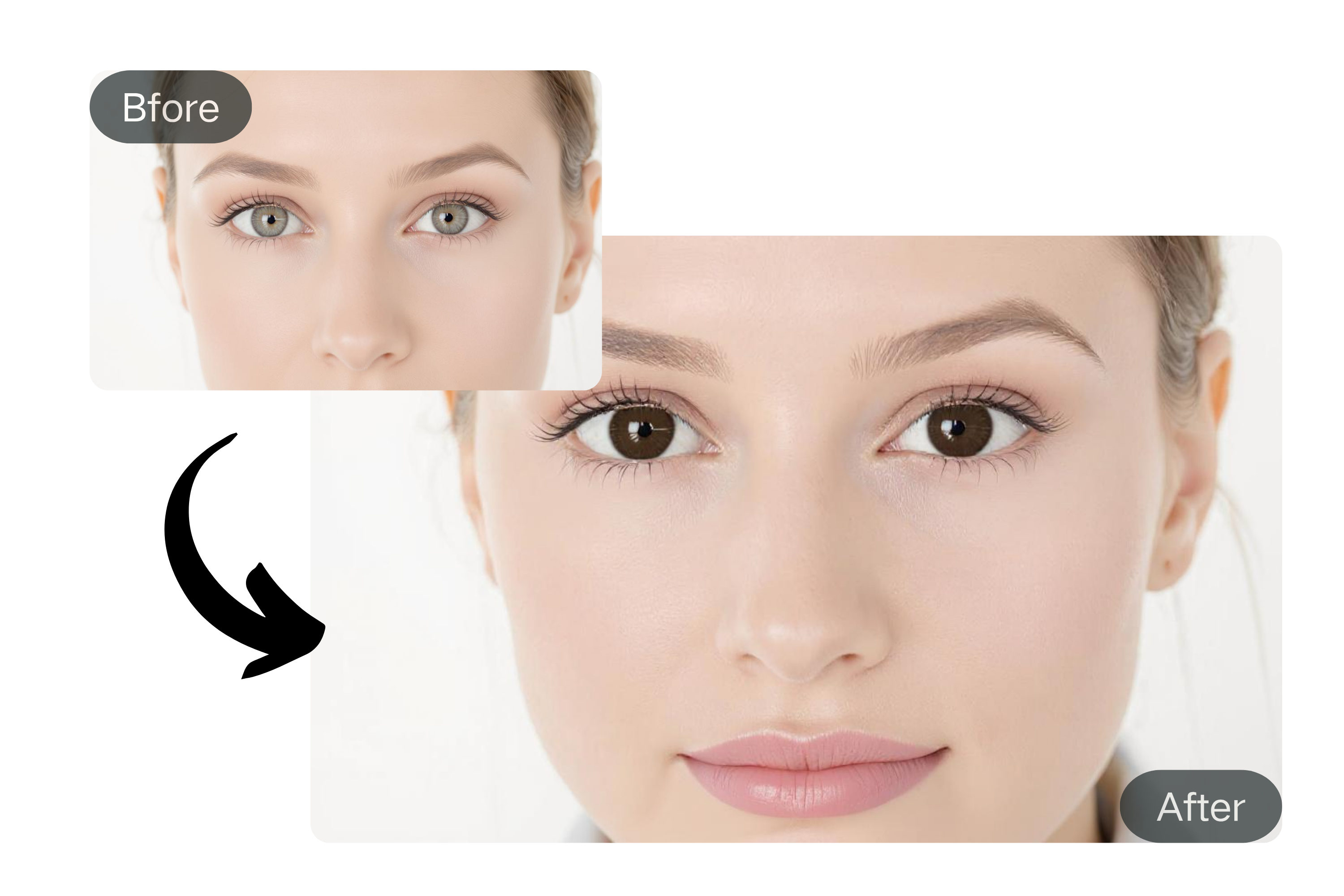
📷 Enhance Portraits with Eye Color Correction
Photographers and creators can subtly adjust or intensify eye tones in headshots or selfies. The AI tool ensures color consistency and clarity, making it ideal for eye color correction in photo editing workflows.
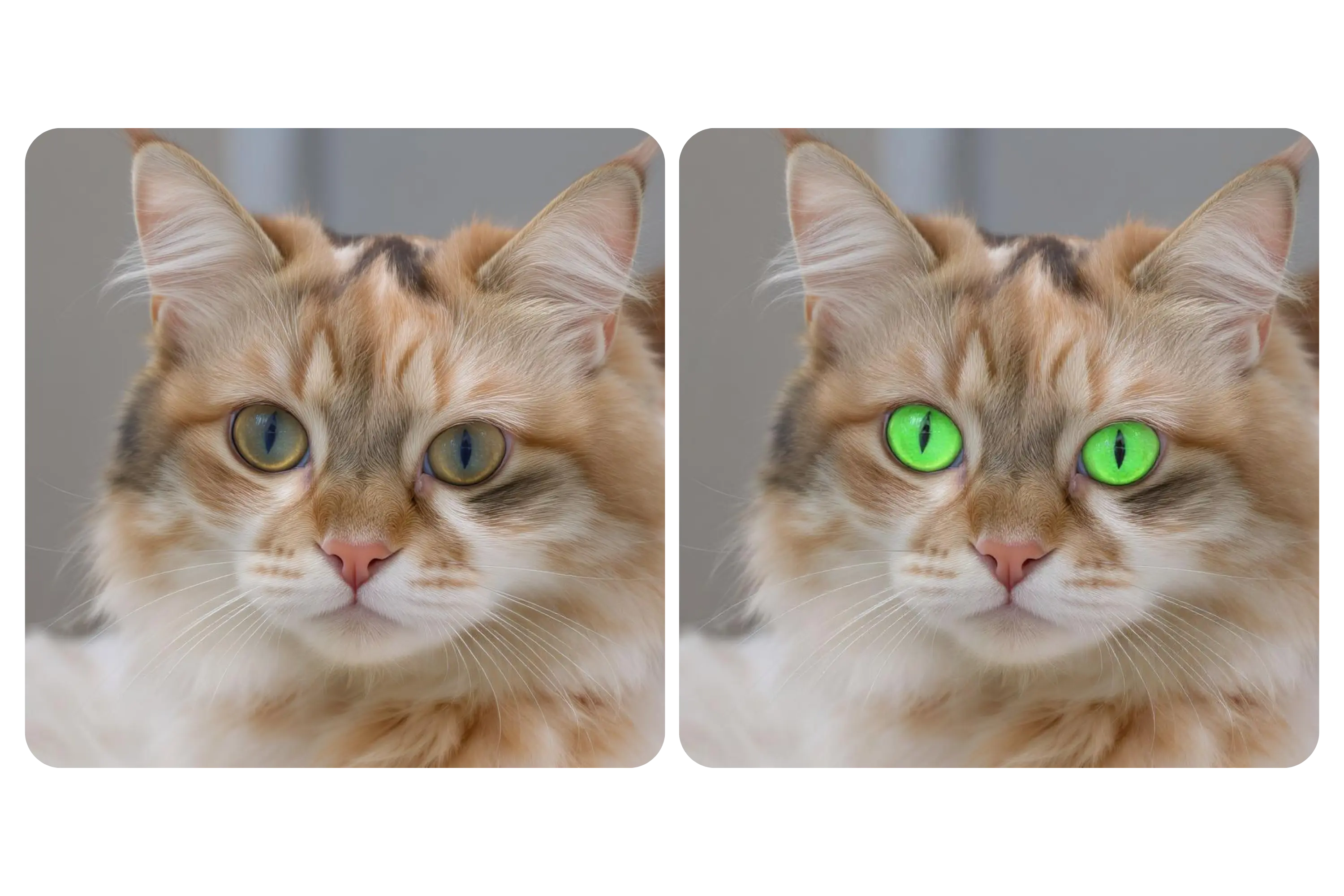
🎮Match Your Cosplay Character
Bring your cosplay to life by using the AI eye color changer to match your character’s exact look—whether it’s glowing purple eyes for an anime hero or icy blue for a fantasy elf. Easily create custom eye color for cosplay characters with accuracy and style, no contacts or editing skills needed.
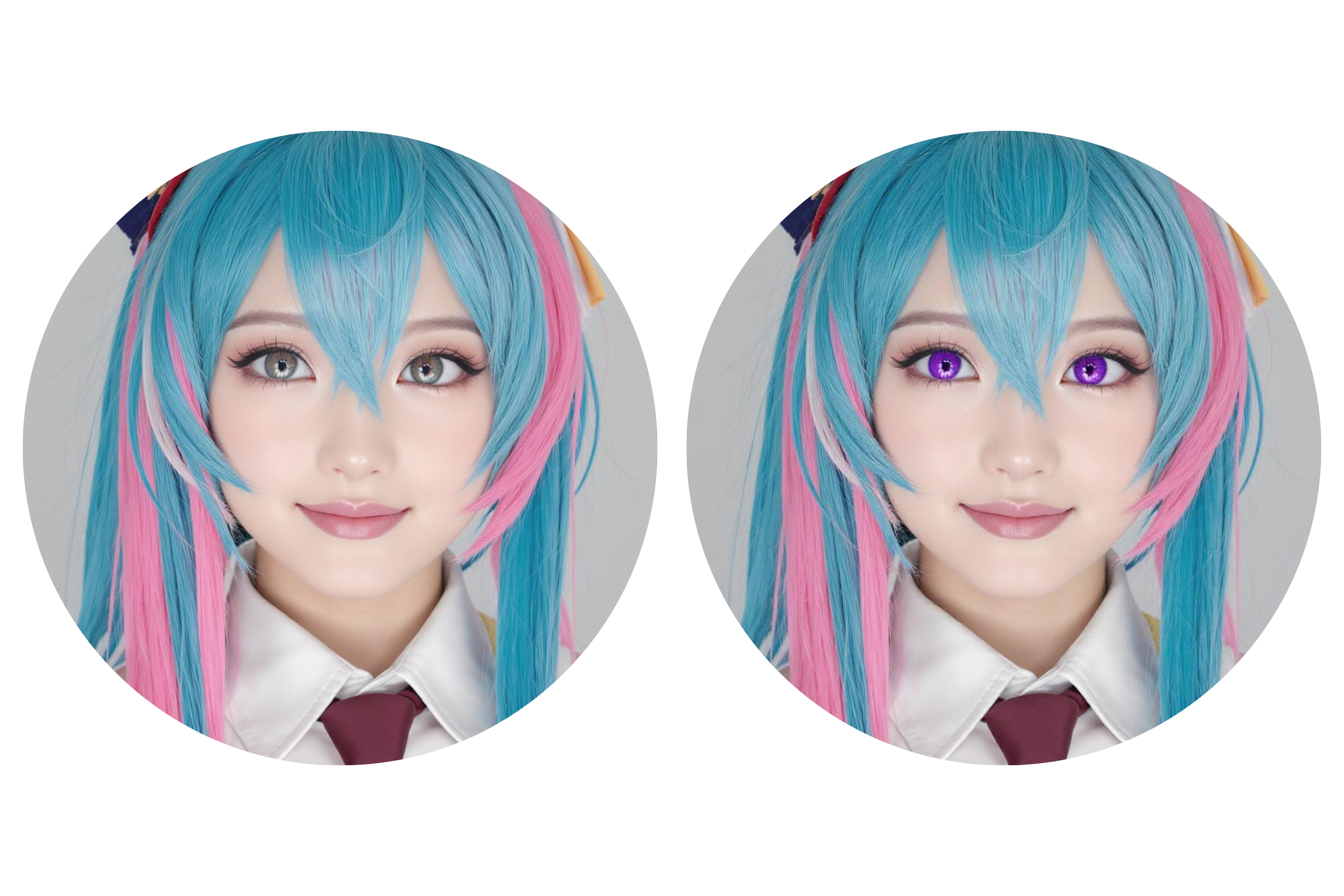
📲 Generate Viral Social Media Content
Stand out online with dramatic eye color changes in your reels, selfies, or transformation videos. The tool helps influencers and everyday users alike change eye color for social media content that grabs attention.
What Users Say About Our Eye Color Changer
This tool is amazing! I love trying new looks without makeup or contacts. It’s fast, free, and looks so natural.
Emma Rivera
Social Media Influencer
The AI detection is spot-on. I’ve used it on several client portraits and the results look professionally edited every time.
Lucas Wang
Portrait Photographer
I use it to preview different character looks before committing to costumes or lenses. A total game changer!
Maya Thompson
Cosplayer
A very intuitive tool with a range of options. The color control is fantastic for blending fantasy tones into my digital artwork.
David Kim
Digital Artist
I used the AI eye color changer to match my character's glowing violet eyes for a convention shoot. It was fast, realistic, and saved me from buying special lenses.
Olivia Chen
Cosplayer
I tried different eye colors for my profile pictures to test audience reactions. The AI gave stunning, believable edits that boosted my engagement instantly. Super fun and effective!
Thomas Rivera
Marketing Specialist
Frequently Asked Questions About Changing Eye Color with AI
How safe is it to change eye color with AI tools?
Using an AI eye color changer is completely safe, as it involves no physical alterations. Unlike surgical procedures or contact lenses, which can pose health risks, our tool uses advanced image processing to simulate different eye colors digitally.
What image formats are the eye color changer supported?
The AI eye color changer supports JPG, PNG, and WEBP formats for quick and easy uploads.
Is the AI eye color free to use?
Yes, you can change eye color for free using Yeschat AI. The eye color changer allows users to try different eye colors instantly. For those who want access to advanced features, a subscription plan is available.
Can I use the edited images commercially?
Images created during the free period are for personal use only. Commercial rights are granted to subscribed users.
Does the eye color changer store my photos?
No, your photos are processed securely and are not stored after editing to ensure your privacy.
Does it work for all eye shapes and lighting conditions?
Yes, our AI is trained to handle various eye shapes, sizes, and lighting conditions with high accuracy.
Can it fix red-eye automatically?
Absolutely. The eye color changer includes a red-eye removal feature that restores natural tones in just one click.
Do I need to download software?
No software download is required. The AI eye color changer works completely online in your browser.
How long does it take to change eye color?
Typically just in one minute, depending on your image size and customizations.