Nana Banana
Visit- Introduction:
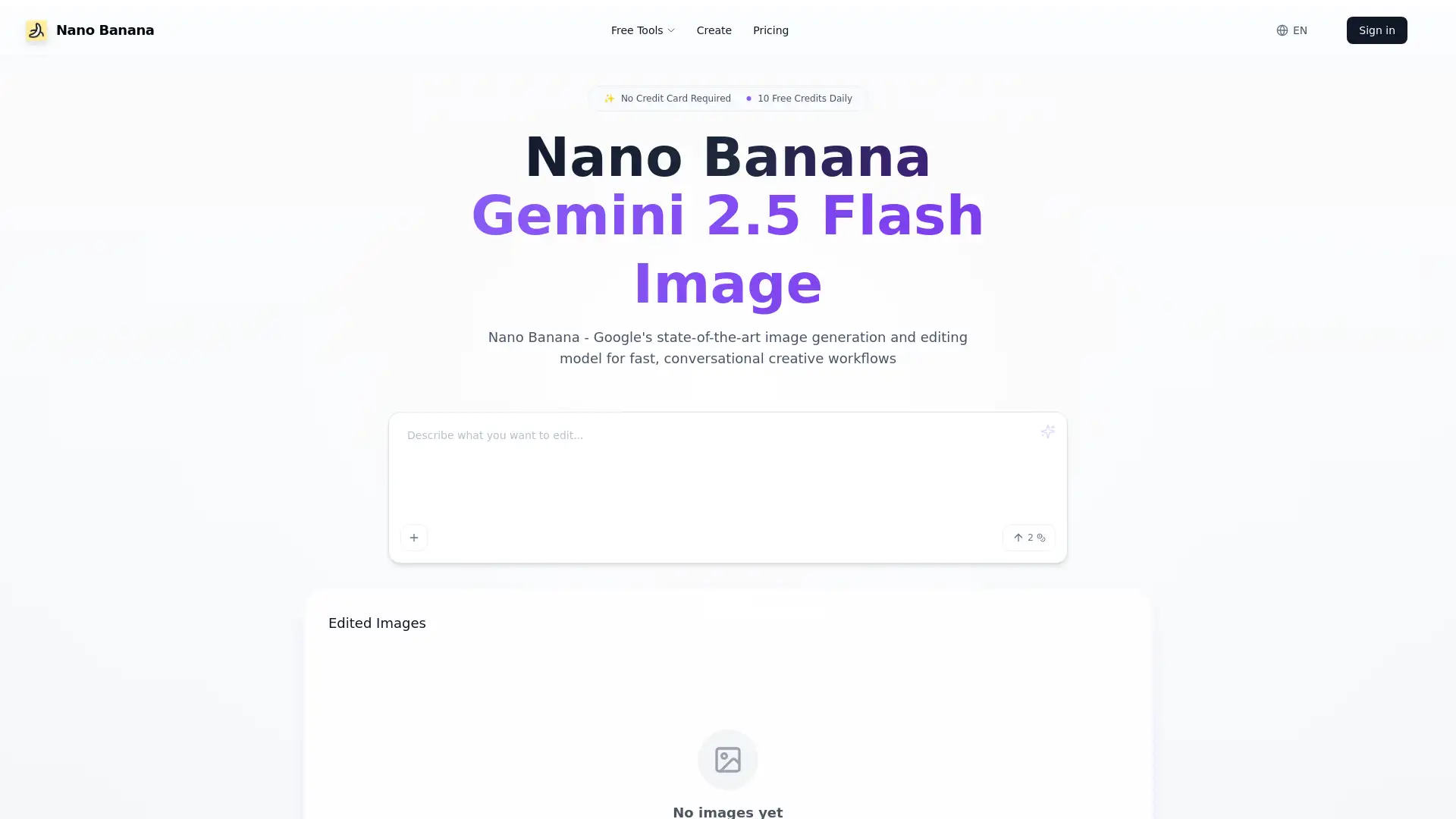
Effortless photo editing with AI-powered text prompts.
- Added on:
Mar 08 2026
- Company:
Nana Banana
AI photo editing
image transformation
- background removal
- style transfer
batch editing
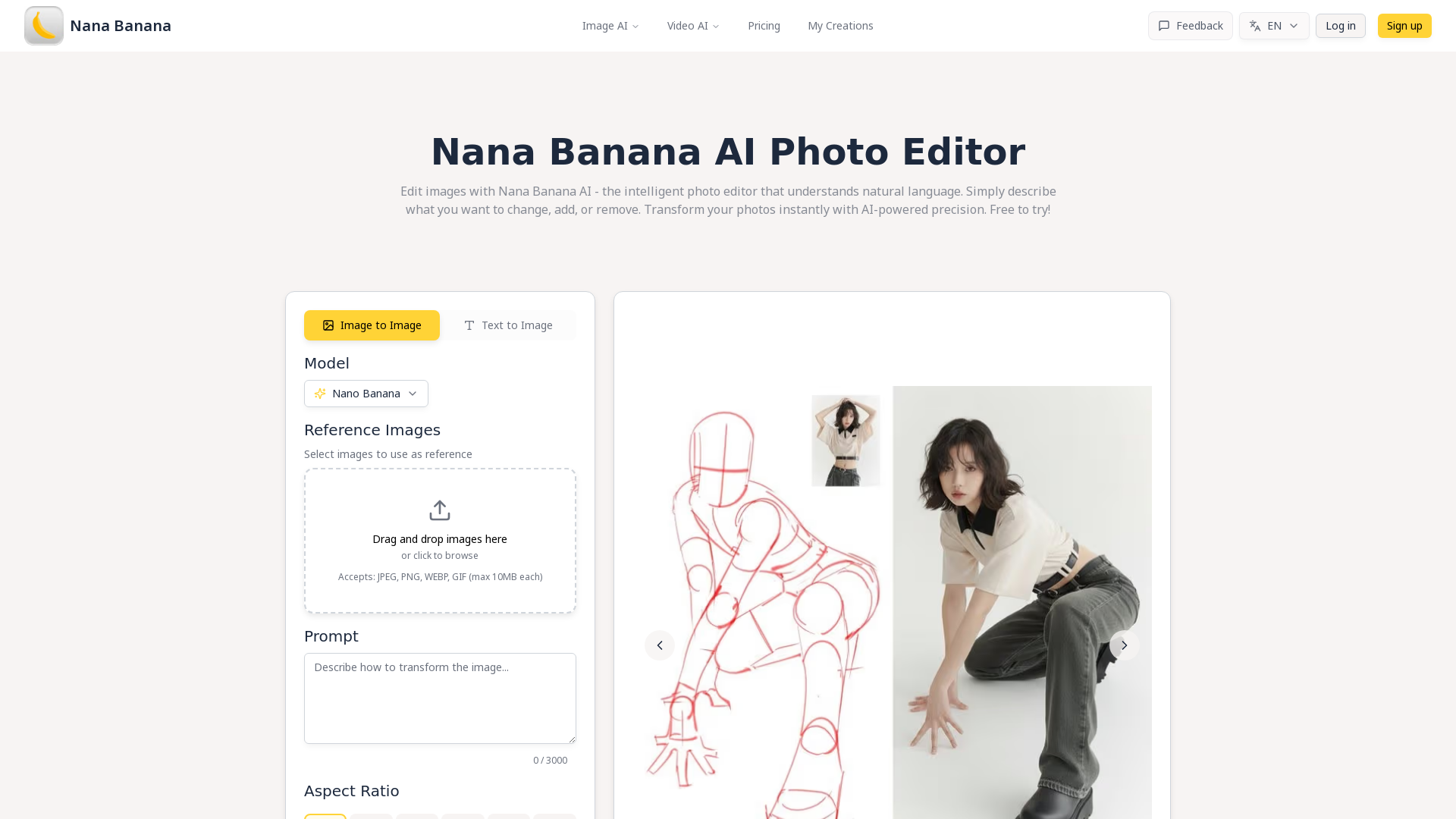
Nana Banana AI Photo Editor: Revolutionizing Image Editing
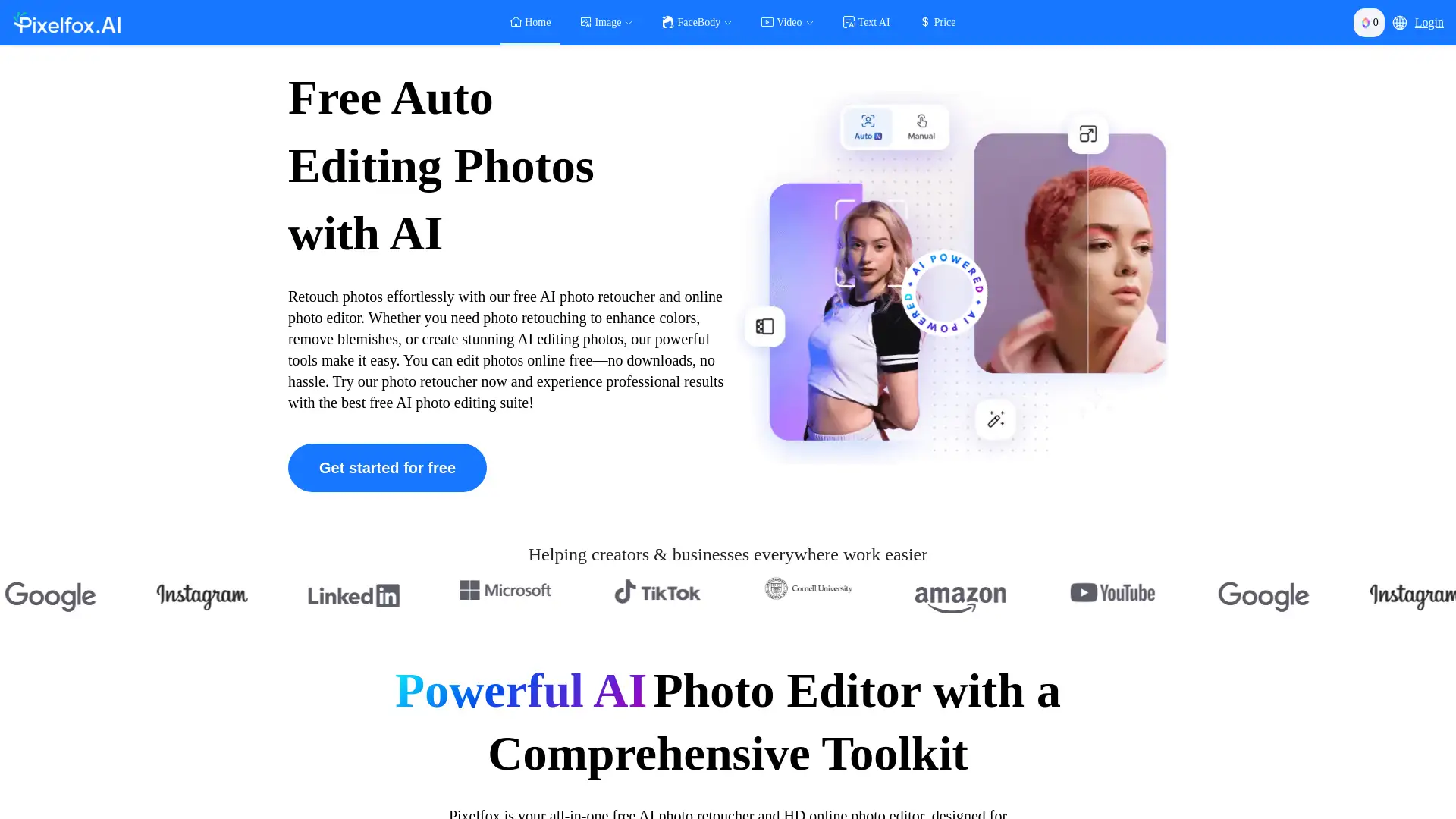
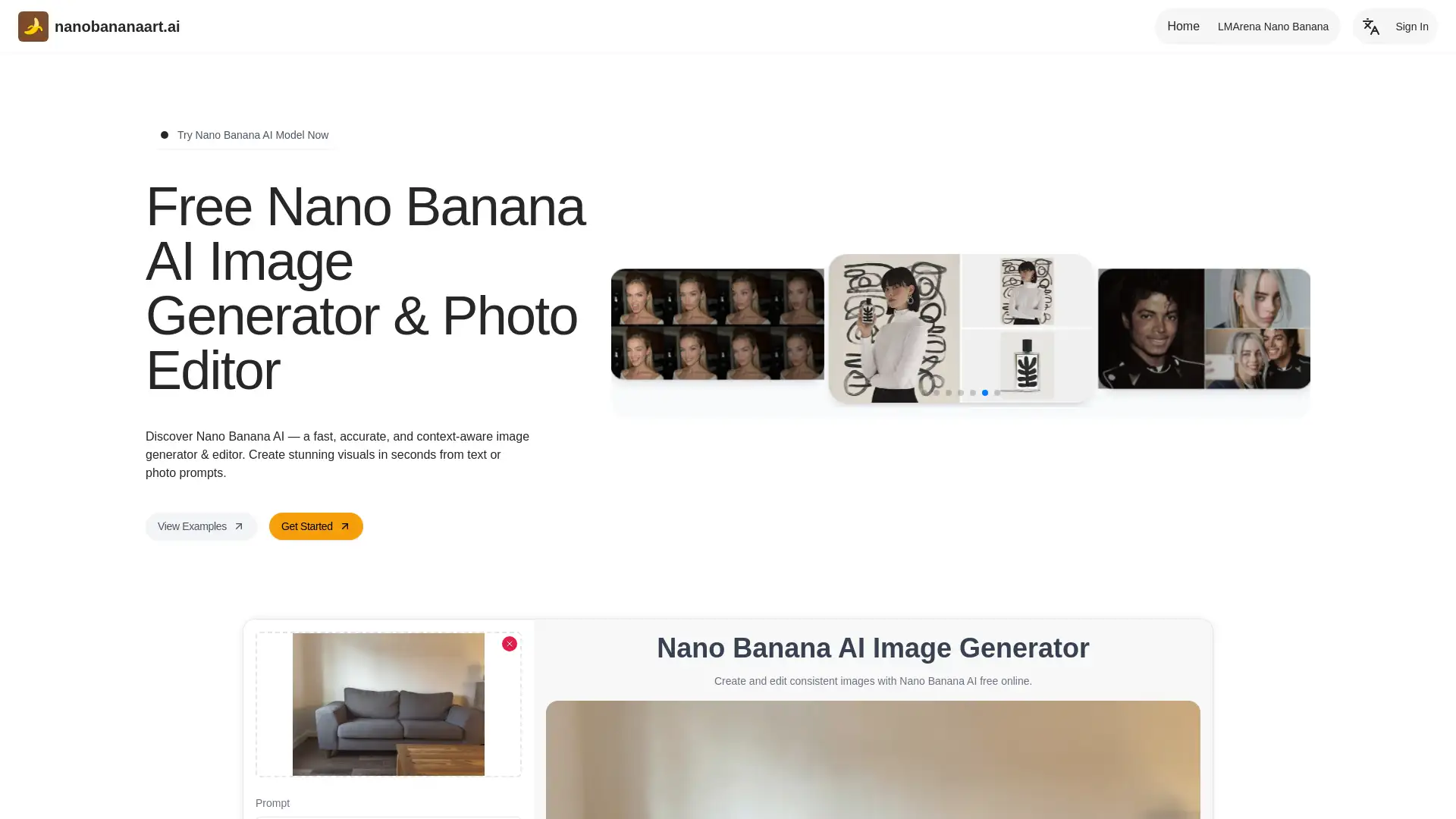
Nana Banana AI Photo Editor combines advanced artificial intelligence with intuitive design, allowing users to effortlessly edit photos using simple text commands. With its rapid processing speeds and wide range of features, Nana Banana transforms your images in seconds, offering everything from background removal to style transfers. The platform is ideal for professionals and businesses, offering tools for commercial usage, batch editing, and image enhancements with no complex learning curves.
Main Functions of Nana Banana AI Photo Editor
Background Removal
Example
Remove background from a product image to focus on the item.
Scenario
E-commerce sellers can use this feature to quickly create clean, professional product images for listings on platforms like Amazon or Shopify.
AI-Powered Style Transformation
Example
Change the color of a shirt from black to red.
Scenario
Content creators and designers can instantly transform photos by altering colors or applying artistic filters for creative projects and social media posts.
Batch Processing
Example
Batch edit 100 product photos with consistent style.
Scenario
Small business owners and marketing teams can save time by processing large quantities of images at once, ensuring uniformity across all visuals for a brand campaign.
Ideal Users of Nana Banana AI Photo Editor
E-commerce Sellers
E-commerce sellers can optimize their product images for professional listings without the need for expensive photo editors or graphic designers.
Content Creators & Influencers
Content creators and influencers will benefit from Nana Banana's fast image transformations, enhancing their social media posts with minimal effort.
Marketing Teams & Agencies
Marketing teams and agencies can streamline their image editing process, managing multiple visual assets and ensuring consistent branding across campaigns.
How to Use Nana Banana AI Photo Editor
- 1
Step 1: Input Your Image or Idea
Upload any image or provide a text description of the changes you want to make.
- 2
Step 2: AI Processing Magic
Nana Banana AI automatically processes your request, applying the necessary edits in seconds.
- 3
Step 3: Export Enhanced Results
Export your enhanced image in the desired format and use it for commercial or personal purposes.
Related Youtube Video About Nana Banana

Google Nano Banana AI Explained: The Future of Image Editing | Full Guide 2025
Google Gemini’s NEW FREE Image Editor/Generator is INSANE 👀 (Nano Banana UPGRADE)
Fotos bearbeiten mit 3 Klicks: So GENIAL ist KI ! (Luminar Neo)
The Quickest Way to Edit Your Photos - Imagen AI Tutorial
Mastering AI-Powered Photo Editing: From Magic Eraser to Magic Editor
Fotor's FIX-IT MAGIC: AI Power for Image Perfection! #AIart #ImageEditing #aitools #sponsored
The Magic of AI Photo Editing: Luminar Neo!

超好用AI修圖懶人工具包 #ClipDrop ,#去背、重置光源、去除雜物、以圖生圖、讓模糊的照片變清晰
Frequently Asked Questions
Nana Banana Pricing
For the latest pricing, please visit this link:https://nanaimg.io/pricing
Starter
$7.90/month or $9.99/year
Up to 75 images per month
150 credits per month
No watermark on exports
Private storage for your work
Commercial license for business use
Standard generation speed
Pro
$14.90/month or $29.90/year
Up to 400 images per month
800 credits per month
No watermark on exports
Private storage for your work
Priority queue for faster generation
Commercial license for business use
Priority support
Max
$39.90/month or $79.90/year
Up to 1500 images per month
3000 credits per month
No watermark on exports
Private storage for your work
Priority queue for faster generation
Commercial license for business use
Priority support
Secure payment options