 Yeschat
Restore the Natural Look Behind Any Filter
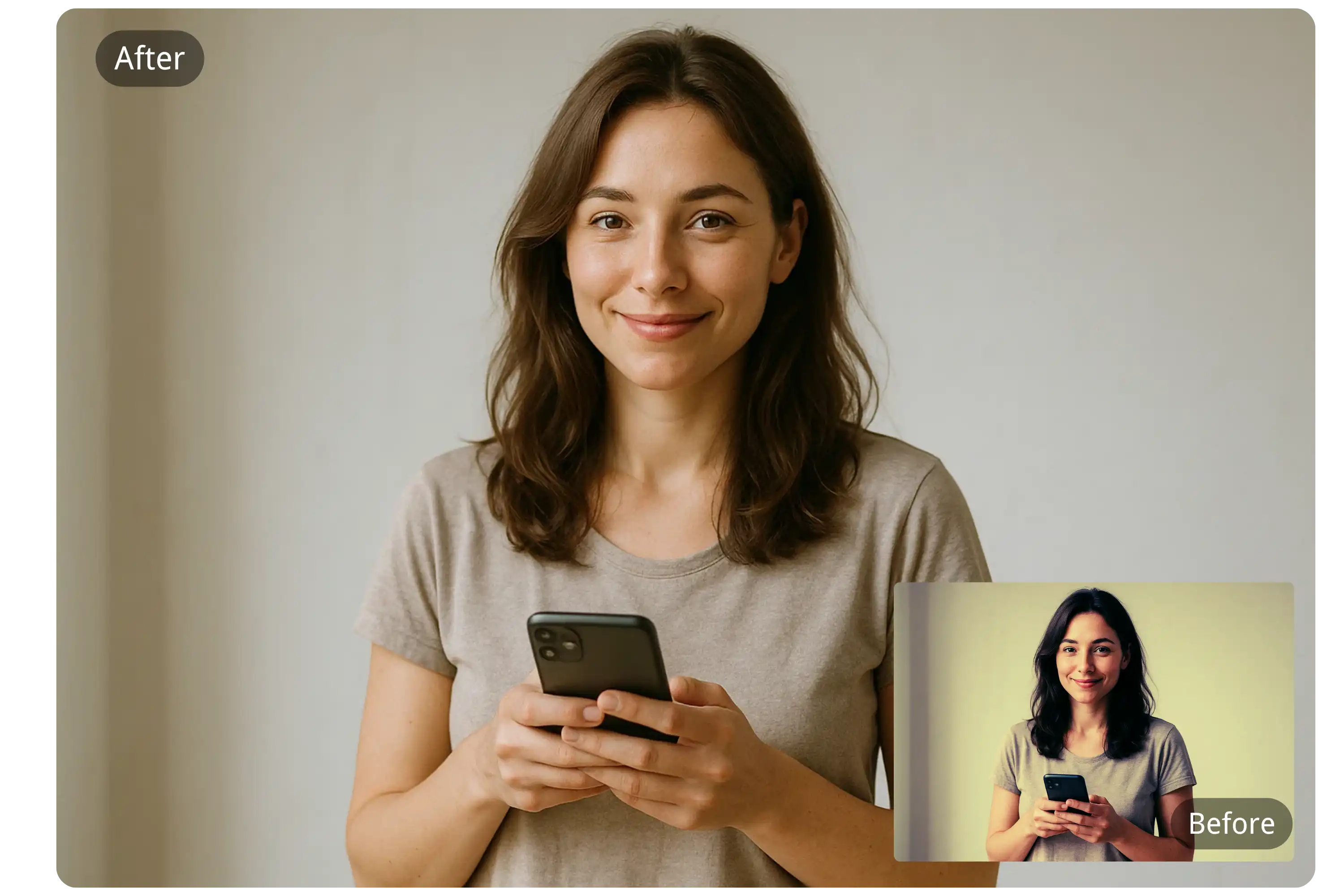
Advanced Filter Detection and Removal
YesChat AI uses cutting-edge deep learning models to intelligently detect and remove a wide range of photo filters—like color overlays, blurs, textures, and AR effects—restoring photos to their unfiltered state while preserving original details such as lighting, textures, and skin tones.
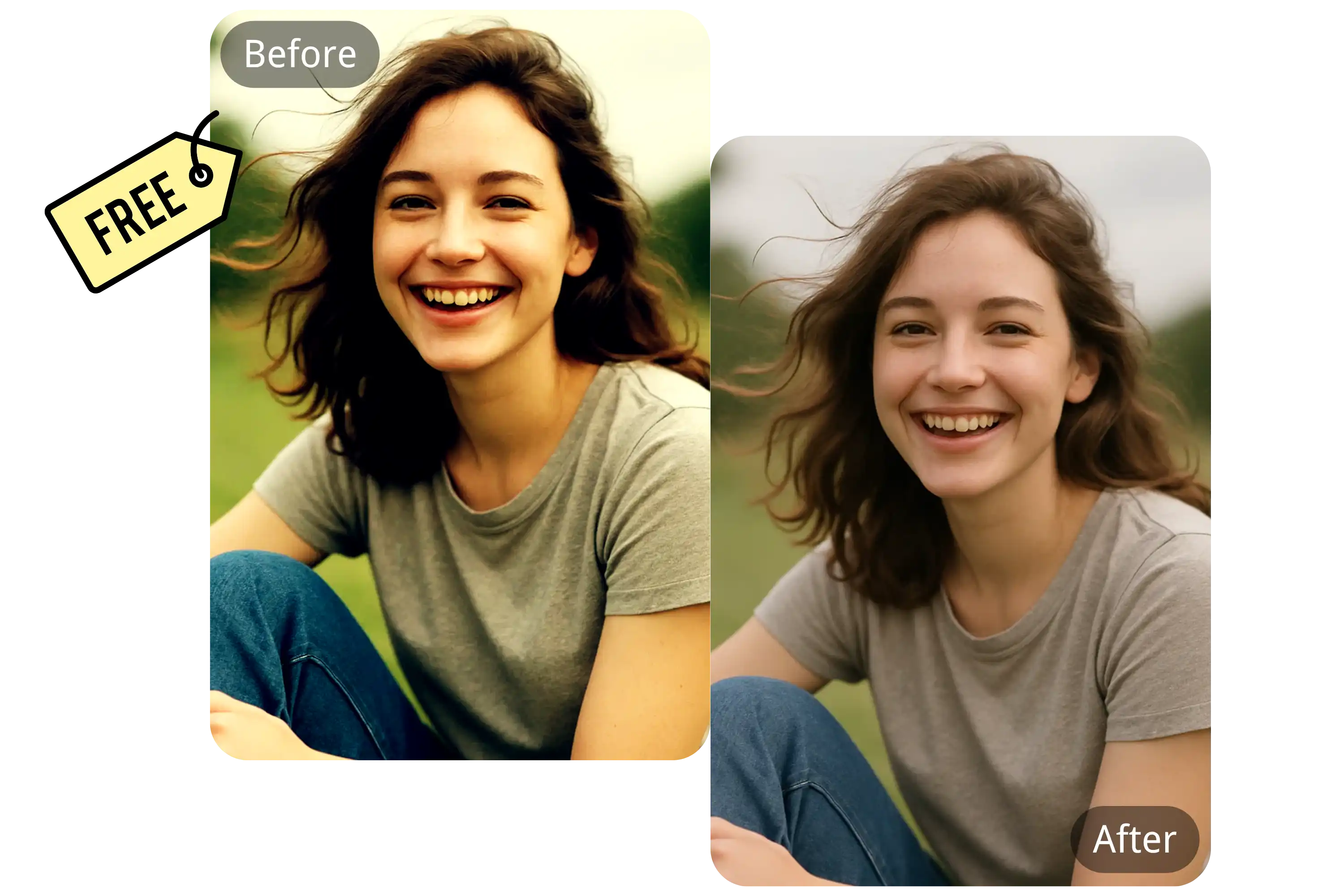
Free and Accessible for Everyone
Our AI tool to remove filter from photo is free to use, with no sign-up or credit card required. Simply upload and process your images instantly without any barriers.
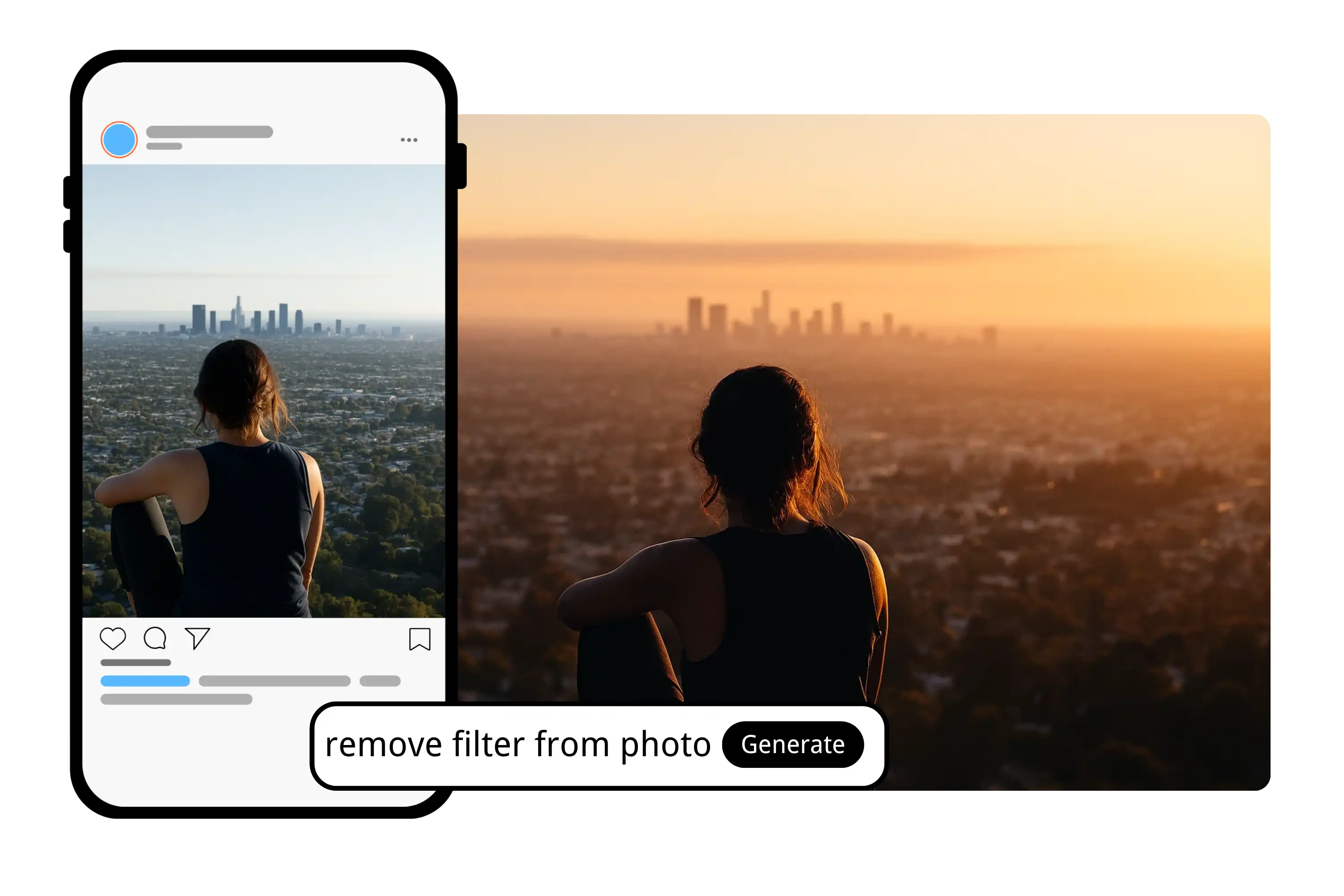
Photo Restoration in One Click
Unlike typical apps that blur out filters, YesChat AI reconstructs original image qualities. It balances tone and texture, removes artificial effects, and brings back your photo’s natural, untouched look—ideal for editors, creators, or anyone seeking authenticity.
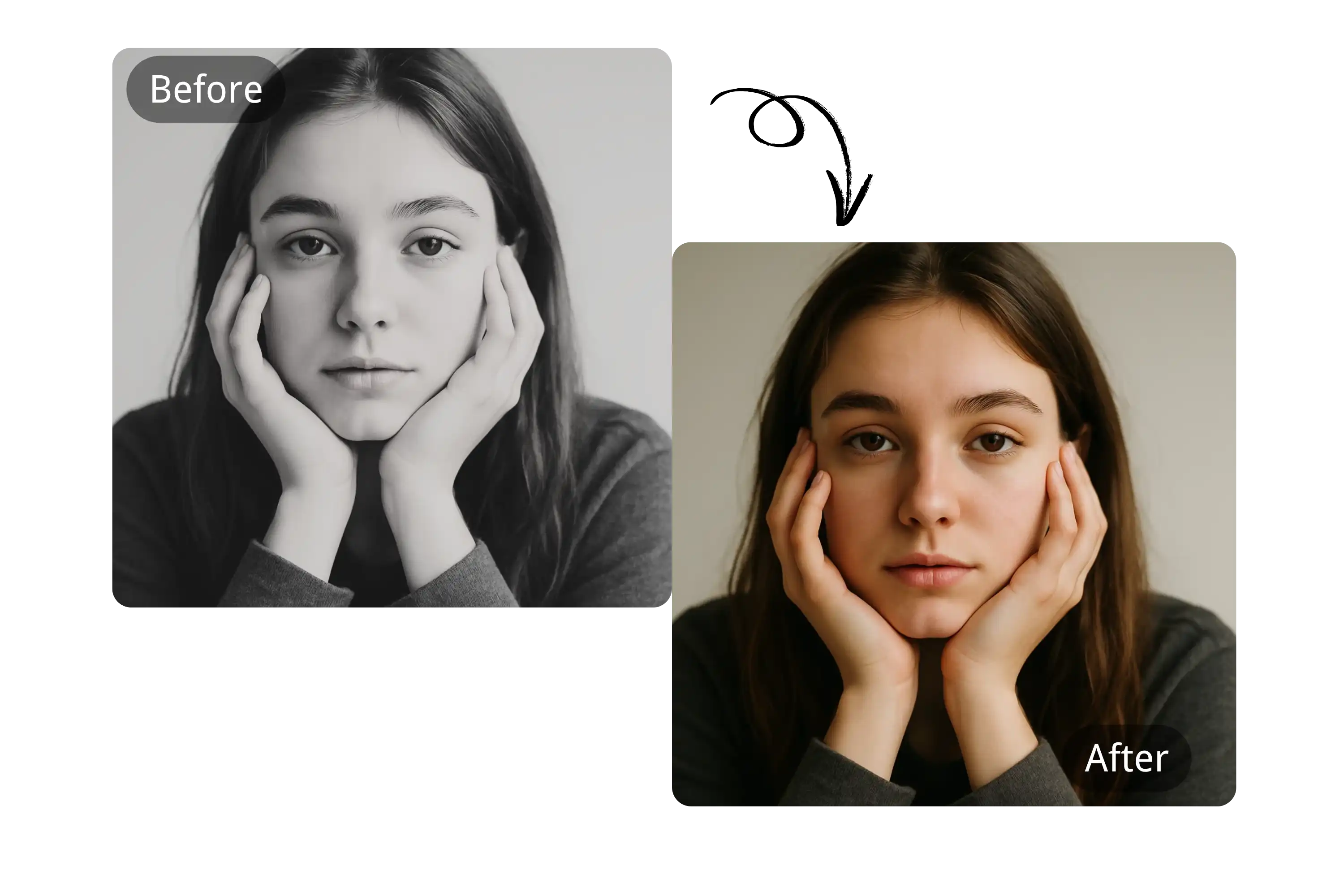
Cross-Device Compatibility
Whether you’re using a desktop, tablet, or mobile device, YesChat AI ensures a seamless experience to remove filter from photo. It works across all browsers, eliminating the need for any software downloads.
How to Use YesChat AI to Remove Filter from Photo
Step 1: Upload Your Filtered Photo
Navigate to the YesChat AI Filter Remover page and upload the image from which you want to remove filters.
Step 2: Let the AI Process the Image
Our advanced AI will automatically analyze the image, detect applied filters, and restore it to its original appearance while maintaining detail and quality.
Step 3: Download the Unfiltered Photo
Once processing is complete, download your photo free of any filters—ready for editing, sharing, or professional use.
Who Can Benefit from Using YesChat to Remove Filter from Photo
Prepare Raw Visuals for Graphic Design
Designers rely on the AI filter removal tool for clean image input when creating posters, ads, or marketing content. Removing filters ensures that original lighting, color, and detail are preserved for consistent brand visuals.
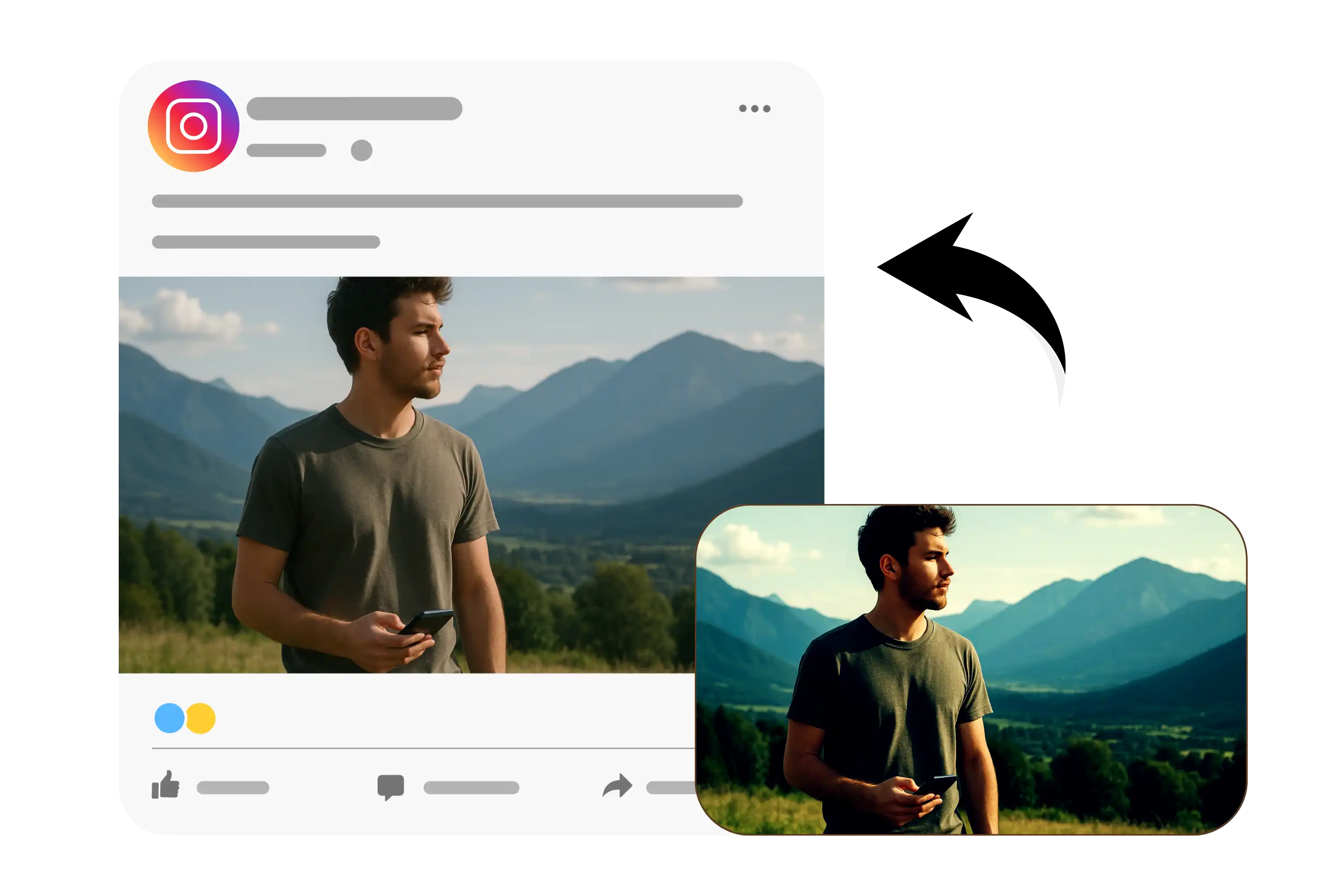
Restore Faded or Filtered Old Photos
Users can use the AI old photo restoration tool to remove vintage filters, discoloration, or artificial tints from scanned photos. It helps bring back natural colors and sharpness, making old memories print-ready or suitable for digital archiving.
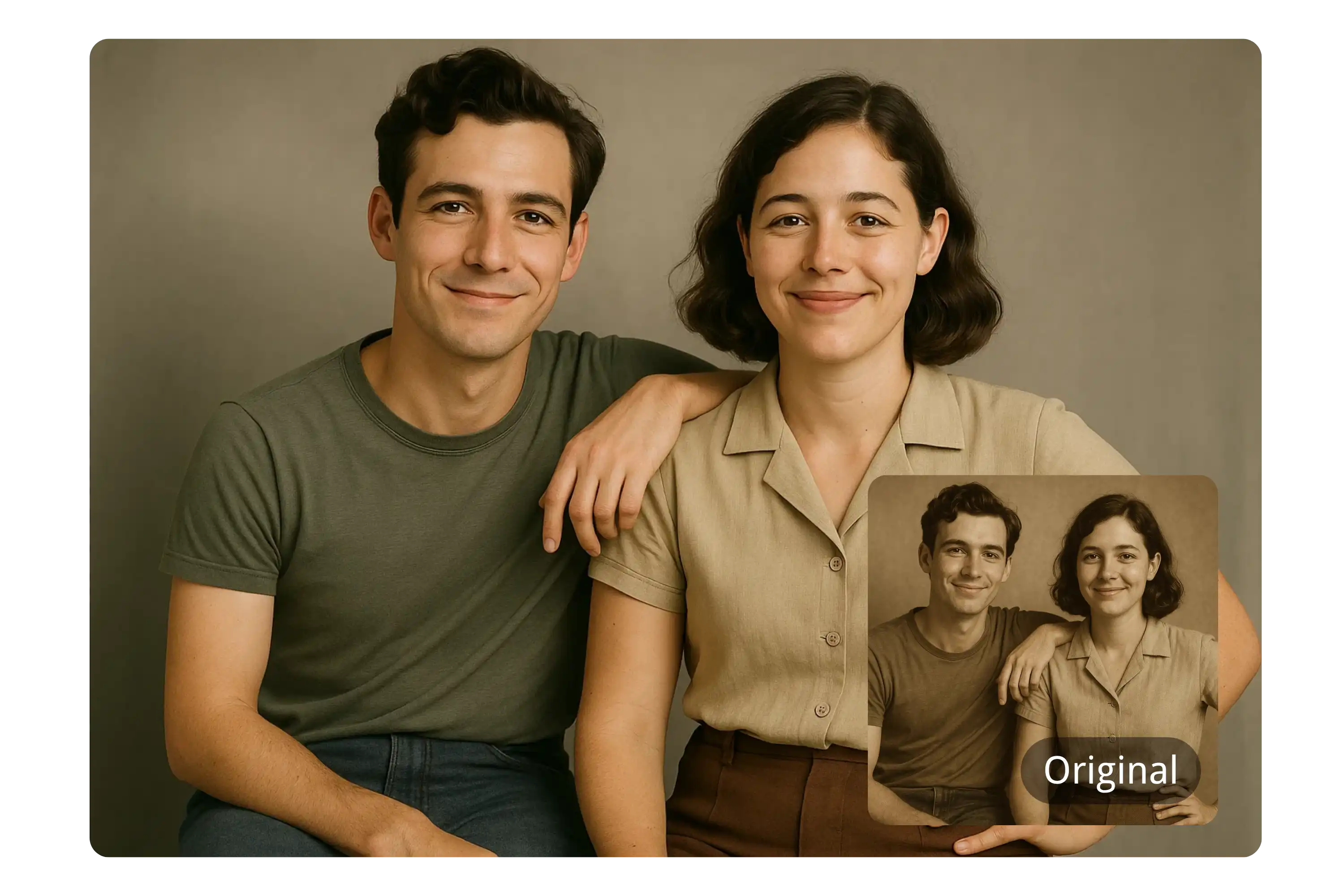
Remove Stickers and AR Effects
The AI tool to remove stickers from photos detects and erases added elements like emojis, glasses, hats, or animated overlays—perfect for cleaning up childhood photos or social images with visual clutter.
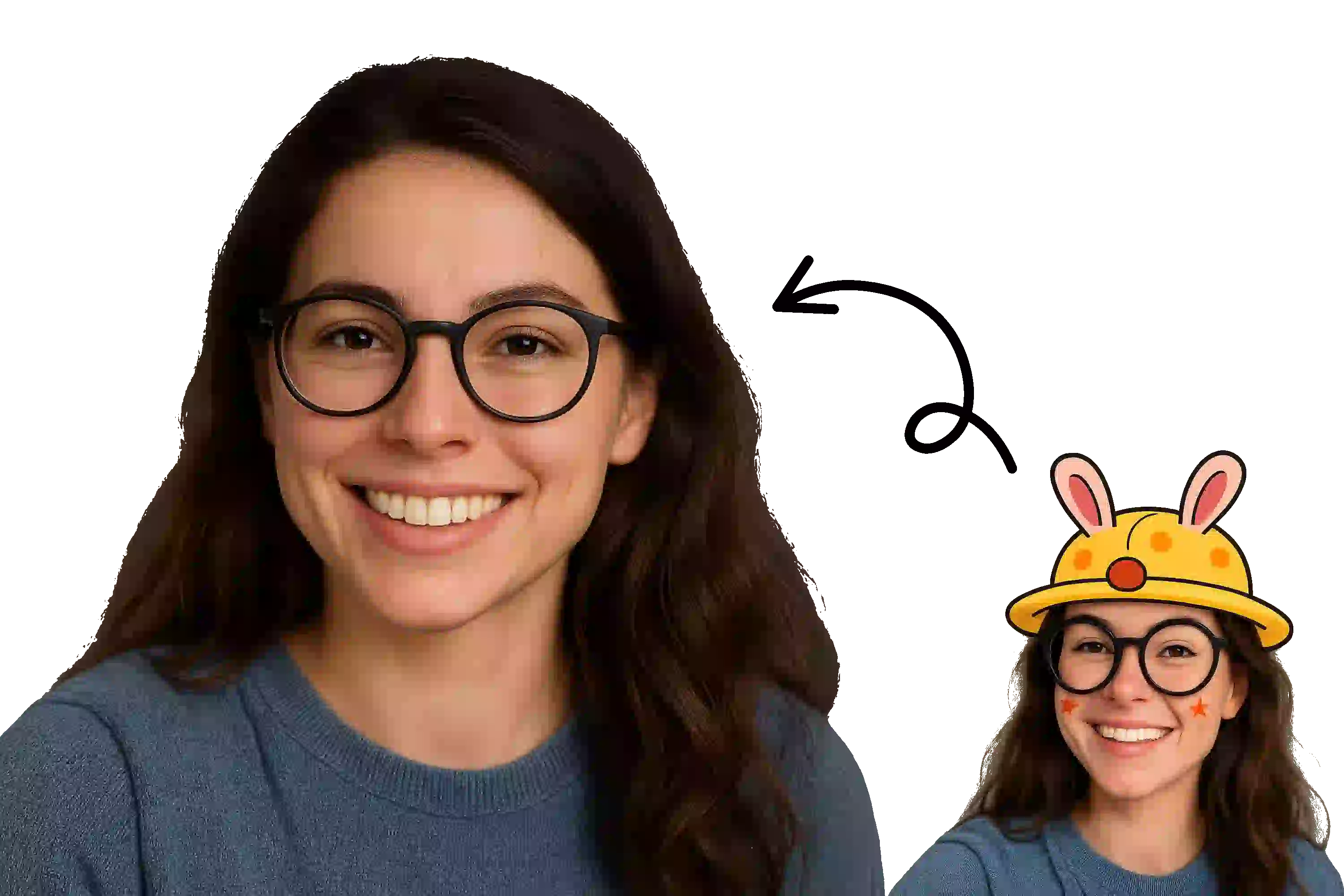
Restore Authentic Skin Tones in Portraits
Influencers and photographers use the AI filter remover for selfies and portraits to eliminate artificial skin smoothing and warm-tone overlays. This reveals the subject’s natural complexion and texture—perfect for professional edits or clean social content.
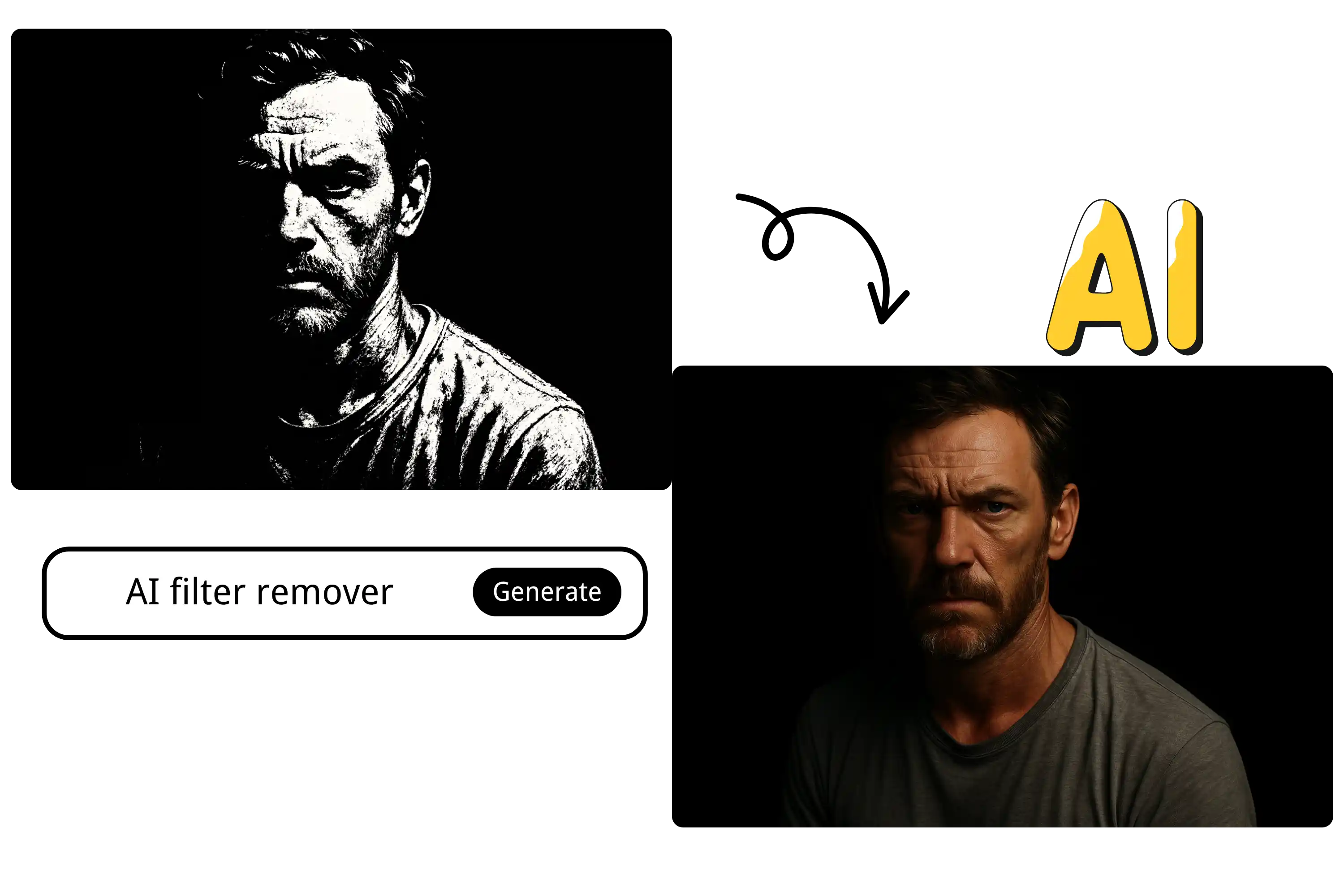
What Users Say About Using YesChat to Remove Filter
YesChat’s filter remover is a game-changer! It brings my photos back to their raw form, which helps me stay authentic on my platform.
Jessica Lin
Content Creator
Finally a tool that quickly removes filters without damaging the photo quality. It saves me so much time in post-production.
David Moore
Professional Photographer
I use YesChat to remove weird filters from supplier images—it’s perfect for making my product photos look clean and trustworthy.
Amira Patel
E-commerce Seller
We use YesChat to restore historical images by removing filters added over time. The results are impressive and detailed.
Marco Reyes
Digital Archivist
It’s fast, free, and easy to use. Perfect for our team to prep visuals for campaigns without the fuss of manual edits.
Chloe Tan
Marketing Manager
Great for experimenting with original photo concepts. I love comparing before-and-after shots with zero hassle.
Ethan Brooks
Graphic Designer
Frequently Asked Questions about Removing Filters from Photos
How to remove blur filter from photo?
Upload your photo to YesChat’s AI blur filter remover. The tool analyzes the image, identifies blurred regions, and restores sharpness within one minute—no editing skills required.
Is it free to remove filters from photos on YesChat?
Yes, YesChat provides a free online filter removal tool. You can upload, process, and download filter-free images without sign‑up.
Will the quality of my photo be reduced after filter removal?
No. YesChat AI is designed to maintain image quality and preserve original photo details during the filter removal process.
What types of filters can be removed?
Our tool removes a wide variety of filters including color overlays, textures, blur effects, and even augmented reality accessories.
Do I need to install any software to use this tool?
No installation is required. The tool is entirely web-based and works on all major browsers.
Are my images stored after processing?
No. We prioritize privacy—images are deleted automatically after processing and are never stored on our servers.
Can I use this tool on mobile or tablet?
Absolutely! The filter remover is fully compatible with mobile phones and tablets, as well as desktops.
Is this tool suitable for professional photography use?
Yes, it’s optimized for both casual users and professionals, providing accurate results suitable for editing, publishing, and archiving.
How long does it take to remove a filter from a photo?
Most images are processed within tens of seconds, depending on file size and complexity.