Key Features of YesChat.ai's Cut Out Image Tool
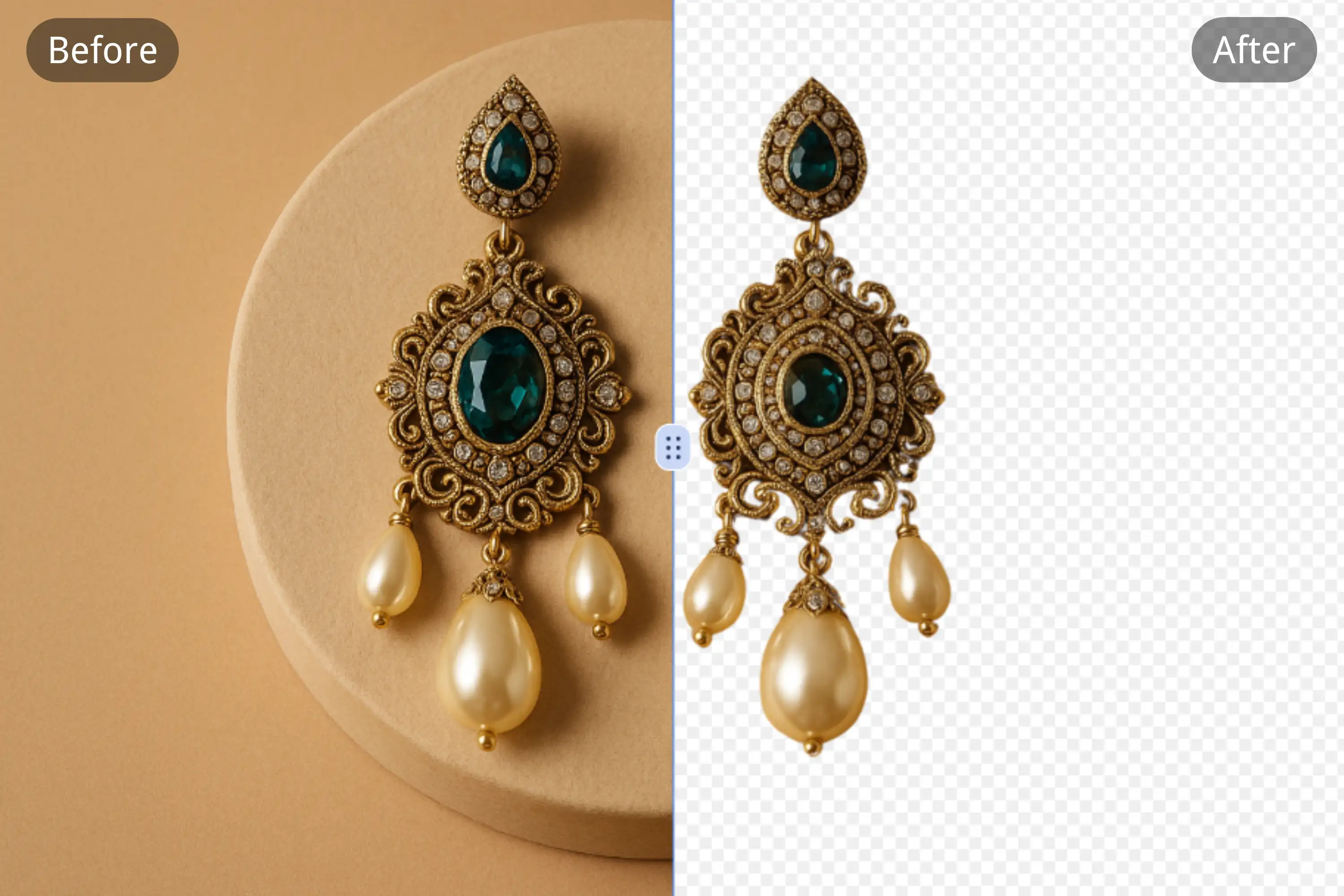
Instant AI-Powered Background Removal
With the YesChat.ai cut out image tool, users can remove photo backgrounds automatically using AI — no manual work or image editing skills required.
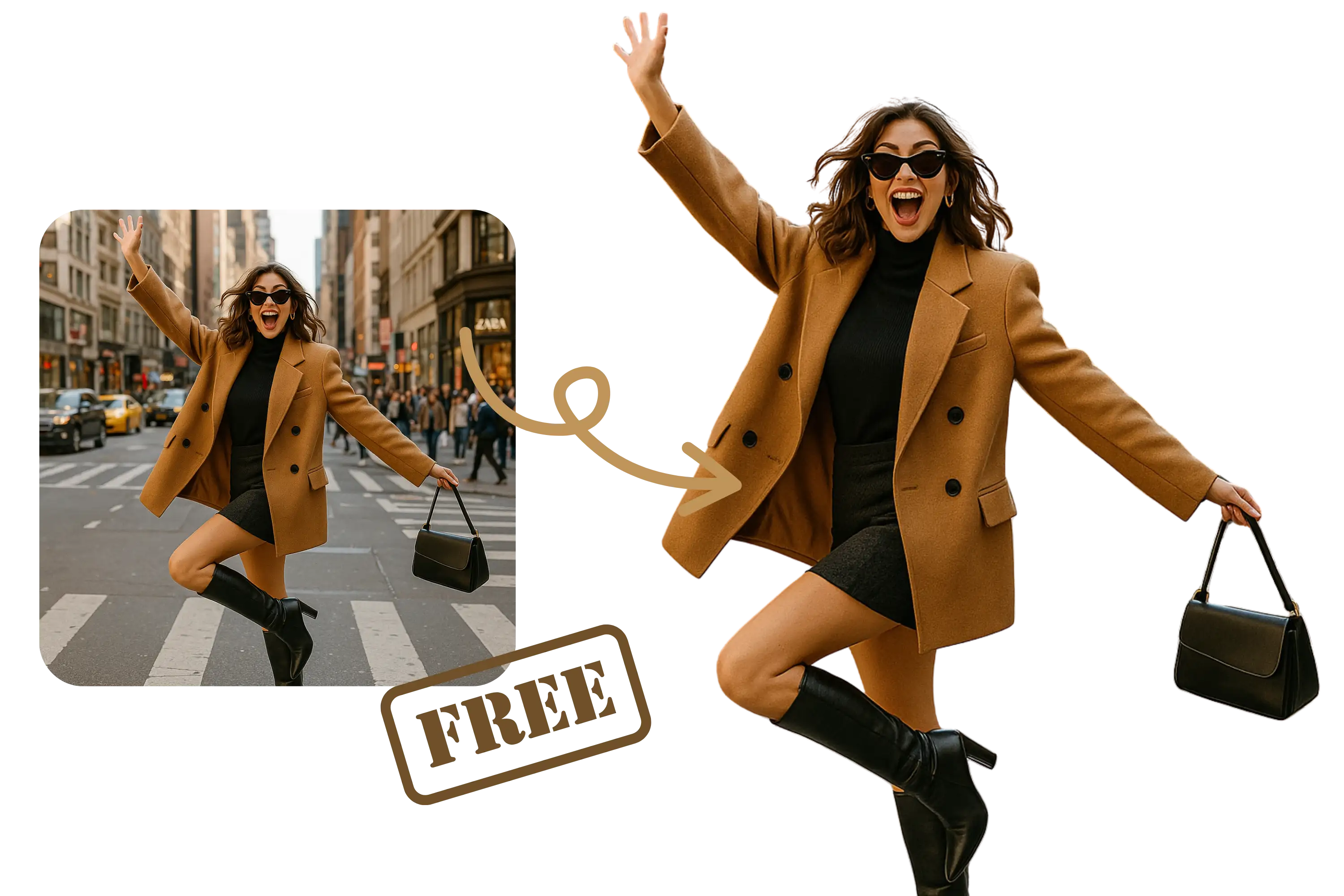
Handles Complex Details Like Hair and Fur
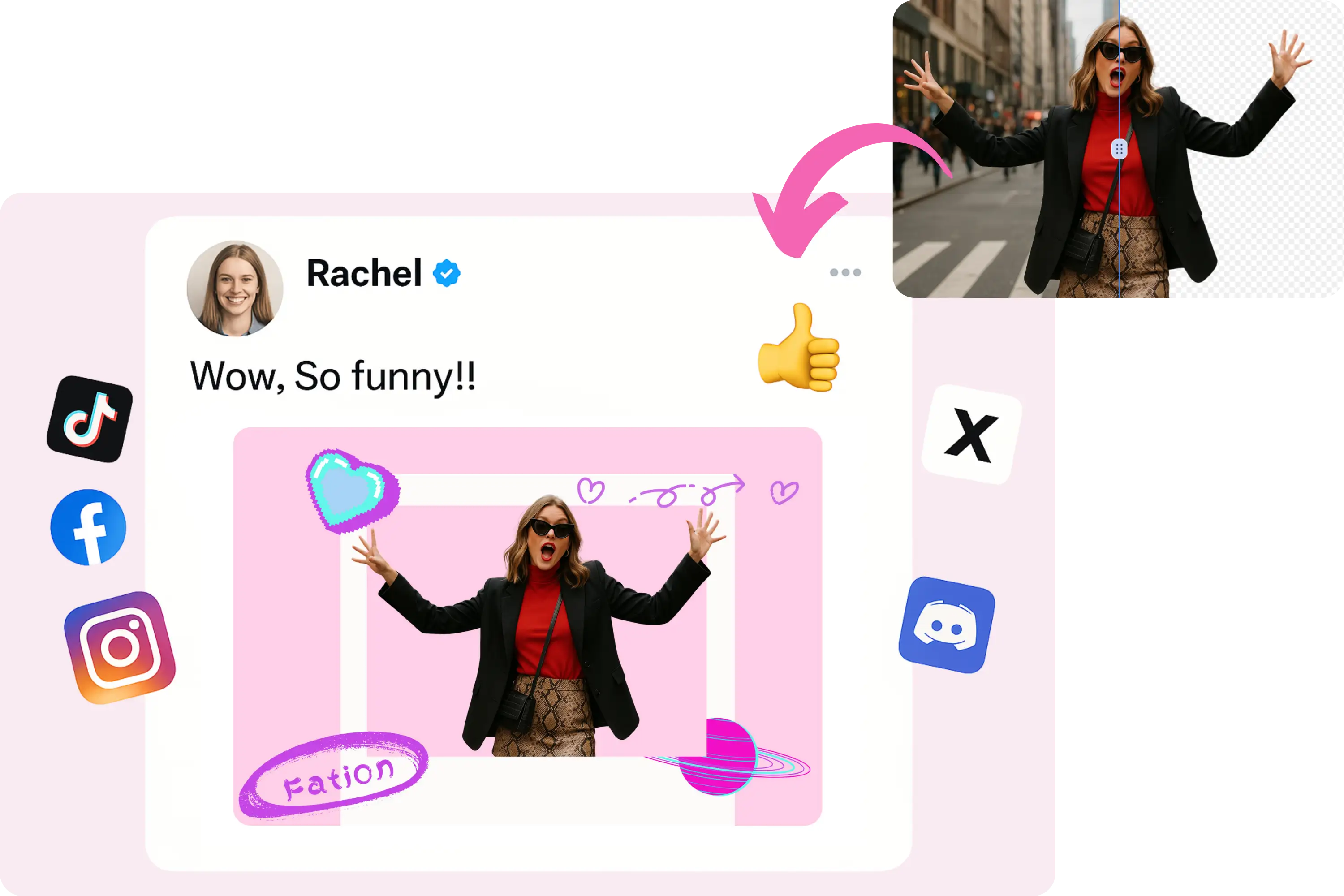
Our advanced cut out image technology ensures precise edges, even for challenging elements like hair, fur, or intricate patterns.
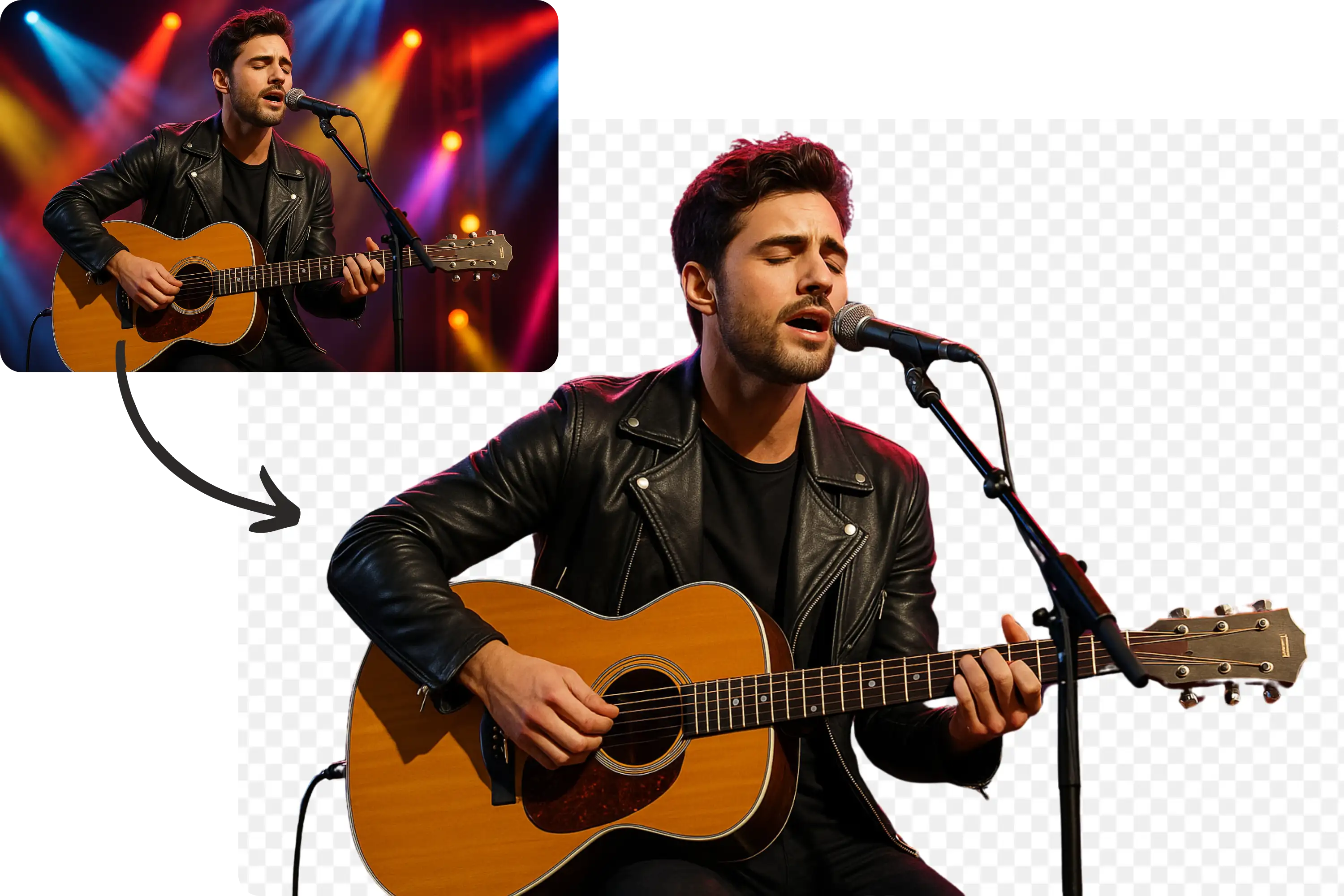
High-Quality Transparent PNG Export
After cutting out an image, you can download it in high-resolution PNG format with transparent backgrounds, perfect for design, eCommerce, or social use.
Works Across All Devices and Formats
Cut out images online using any device — desktop, mobile, or tablet. Supports JPG, PNG, WEBP, and more for easy uploading and seamless output.
Upload Your Image
Drag and drop or select an image in PNG, JPG, or WEBP format to begin.
Let AI Do the Work
Our AI tool will instantly detect and cut out the background, keeping only the subject in perfect detail.
Download and Use
Download your cut out image as a transparent PNG for use in social media posts, product pages, or creative designs.
Who Can Benefit from the Cut Out Image Tool
eCommerce Sellers
Create clean, professional product photos by cutting out messy or distracting backgrounds.
Social Media Influencers
Design eye-catching content by cutting out images and placing them in branded or aesthetic backgrounds.
Designers and Creatives
Save time editing images manually. Our tool lets you cut out images and instantly integrate them into collages, flyers, and more.
Marketers and Advertisers
Quickly generate attention-grabbing visuals by cutting out people or objects and overlaying them on campaign graphics.
What Users Say About Our Cut Out Image Tool
YesChat.ai’s cut out image tool made my product images look so much more professional. It saved me hours of work!
Emily Zhang
eCommerce Store Owner
I love how accurately the tool cuts around hair and fine edges — it’s better than most paid software I’ve tried.
Michael Lee
Graphic Designer
Perfect for creating branded posts in a snap. I use the cut out image feature every day.
Samantha Rivers
Social Media Manager
Easy, fast, and totally free. This tool helps me prepare visuals for ads much faster.
David Kim
Freelance Marketer
The precision is amazing. I used to struggle with other apps, but YesChat.ai nails it in one click.
Chloe Tan
Content Creator
Our team uses this for rapid prototyping and client drafts. Couldn’t be more satisfied with the results.
Jason Park
Digital Agency Founder
Frequently Asked Questions About Cutting Out Images
Is the cut out image tool really free?
Yes, you can use YesChat.ai’s cut out image feature for free online with no account required.
What image formats can I upload?
We support PNG, JPG, and WEBP formats for uploads.
Can I cut out multiple people or objects?
The tool automatically detects the most prominent subject, but advanced editing tools allow for further refinement.
Is the background removal automatic?
Yes, the process is 100% automated using AI, no manual masking or tracing needed.
What resolution will the output image be?
You’ll receive a high-quality transparent PNG suitable for professional and web use.
Does it work on mobile devices?
Absolutely. You can access and use the cut out image feature from any smartphone or tablet.
Can I use the cut out image commercially?
Yes, the images you generate are yours to use for personal or commercial projects.
How long does it take to process an image?
Most images are processed in under 5 seconds thanks to our AI-powered technology.